Free ATS Resume Checker
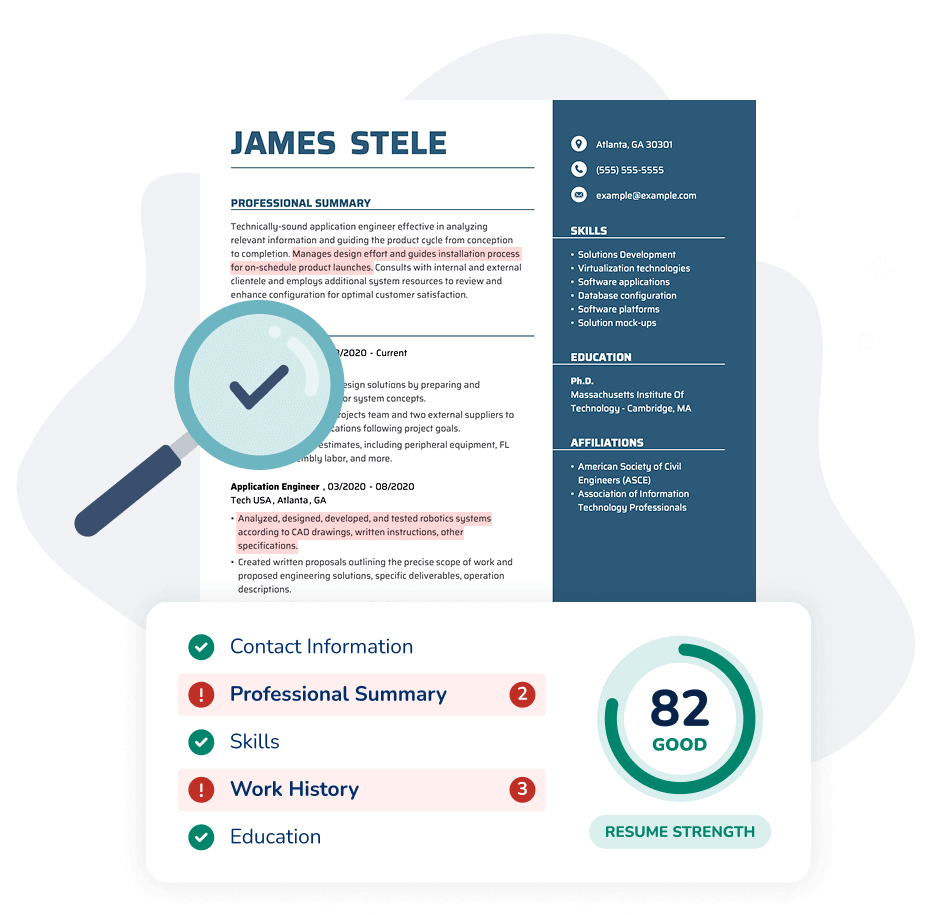
Our free ATS Resume Checker scans for more than 30 criteria and provides instant, actionable suggestions to help improve your resume score—on desktop or mobile.
Scanning your file...
Over 2M resumes already checked
Upload or choose a file: DOC, DOCX, PDF, HTML, RTF, TXT (max 5MB).


As seen in:◆ Foot Note





Is Your Resume Ready for ATS?
An applicant tracking system (ATS) is software employers use to scan and rank resumes based on skills, experience, and keywords that match a job description.
If your resume isn’t optimized for ATS, it may be filtered out before a recruiter ever sees it. Our ATS Resume Checker scans your resume and provides actionable tips to improve your score.
Implement changes from your personalized ATS report on any device with MyPerfectResume’s Resume Builder, including the following key updates and insights:


Optimize for the Right Keywords
Our ATS Resume Checker scans your resume for skills and keywords employers commonly look for.


Get Data-Driven Improvement Suggestions
Skip the guesswork. Get personalized recommendations to create an ATS-friendly resume that helps your resume stand out to recruiters and hiring managers.


Fix Formatting That Blocks ATS Scans
Our ATS Resume Checker identifies formatting and layout issues that could prevent an ATS from reading your resume correctly.
Scan Your Resume for ATS
- Upload resume
- ATS scan
- View results
Or paste resume text
What Our ATS Resume Scanner Checks
MyPerfectResume’s ATS checker analyzes key criteria in the following categories and offers recommendations to optimize your resume for ATS scans and recruiter review.

Content
Customization
- Relevant qualifications
- Industry-specific skills
Spelling & Grammar
- Correct spelling and grammar
- Consistent punctuation
Word Choice
- Use of strong action verbs
- Professional language and tone

Key Sections
Contact Information
- Relevant contact details
- Organized resume header
Professional Summary
- Clear and focused summary
- Core qualifications included
Measurable Results
- Highlights quantified results
- Job-relevant work experience

Structure
Formatting
- File format and size
- ATS-friendly layout
Optimal Length
- Concise content
- Organized sections
Comprehensiveness
- Key sections included
- Complete work history
How MyPerfectResume’s ATS Checker Works
Our free ATS score checker analyzes your resume’s content and structure to verify ATS compatibility and provide actionable steps for improvement. Explore how it works below.
Upload Your Resume
Upload your resume from any device, and our ATS Resume Checker will scan your file for potential issues.
Review Your Report
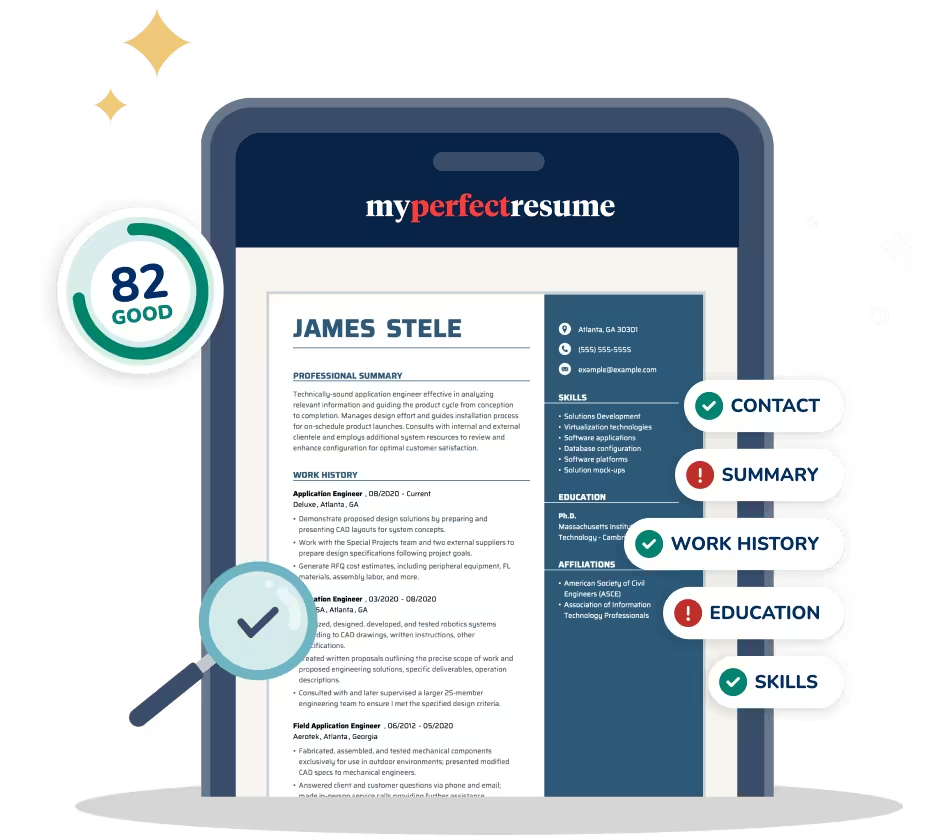
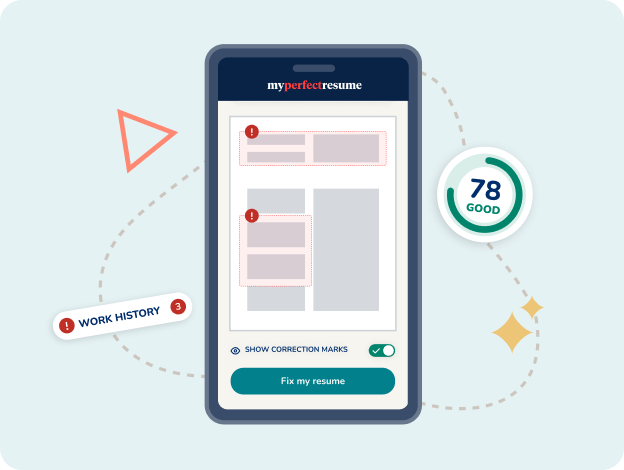
Review your personalized report and resume strength score. Select “Fix my resume” for a closer look at key sections to improve.
Optimize With Our Builder
Use MyPerfectResume’s online Resume Builder to implement the recommended changes and improve your ATS score.
Download & Apply
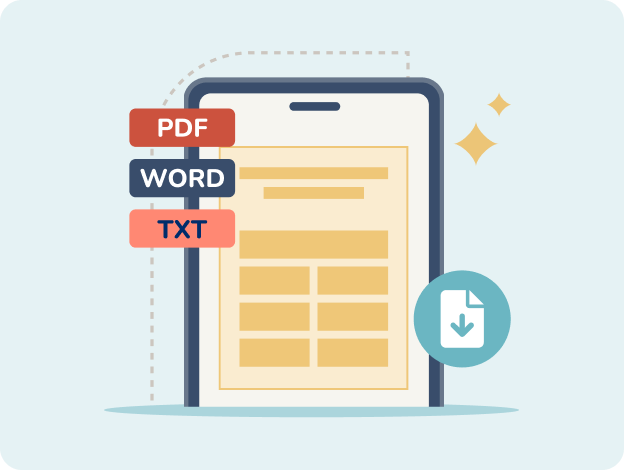
When you’re ready, download your ATS-friendly resume in your preferred file format and start applying with confidence.




Improve Your Score With MyPerfectResume’s Online Resume Builder
Implement changes with powerful AI tools and expert writing tips every step of the way. Choose from hundreds of ATS-optimized resume templates and customize them on any device.
Optimized for ATS
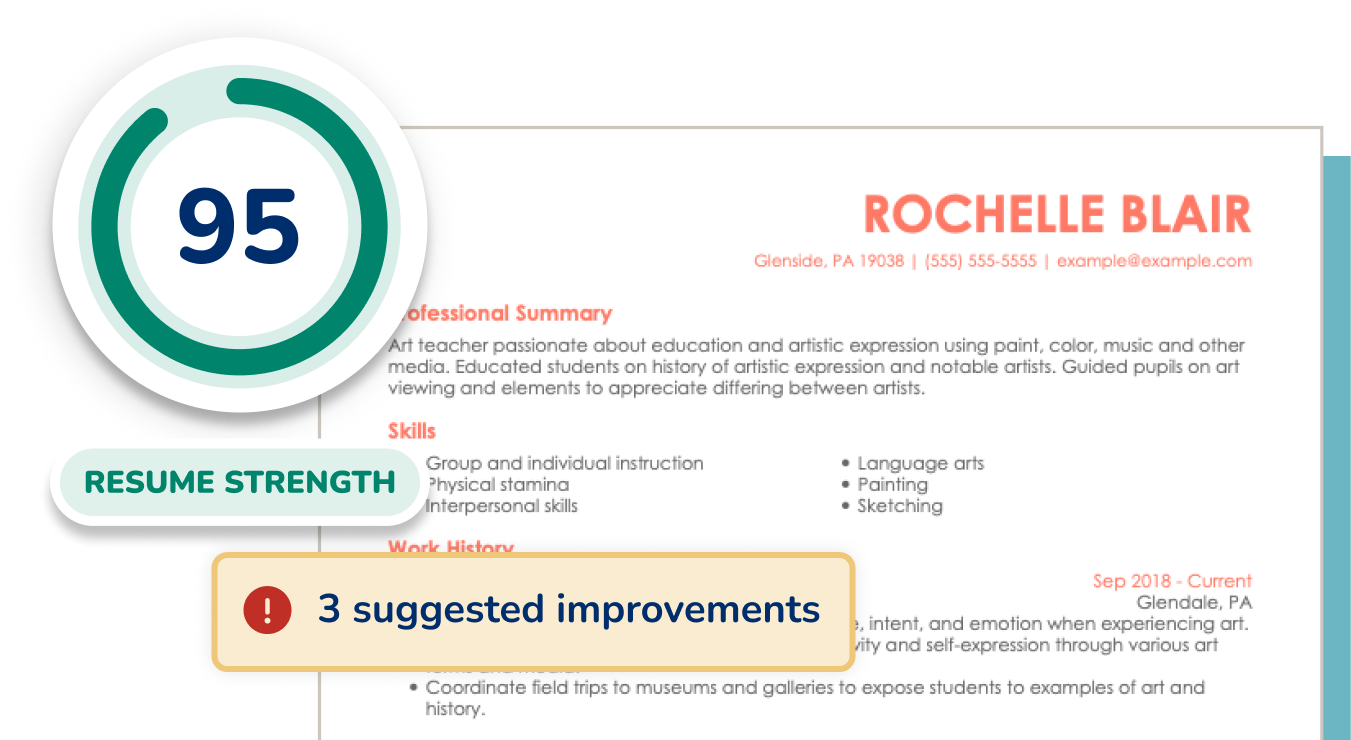
Use our Resume Builder to implement expert-recommended updates designed to optimize your resume for ATS screening.
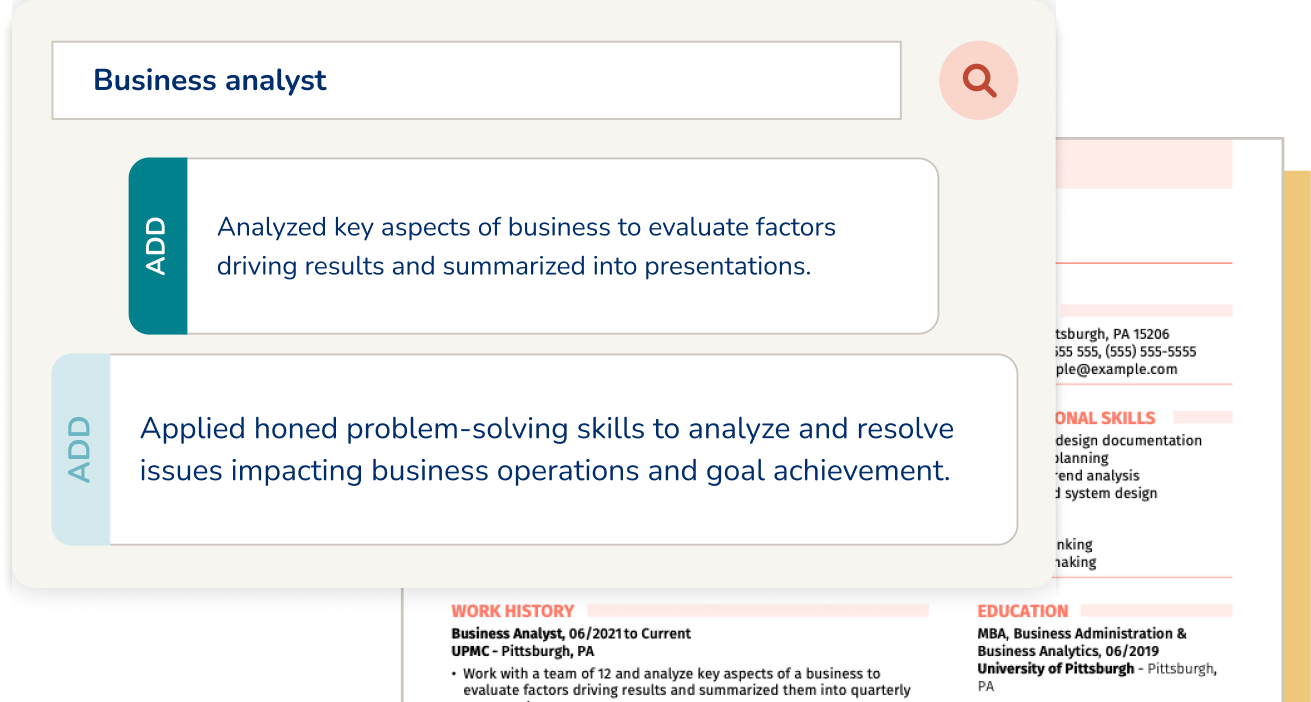
Tailored Content Suggestions
Add ready-made content written by AI and professional resume analysts to highlight your relevant skills and experience.
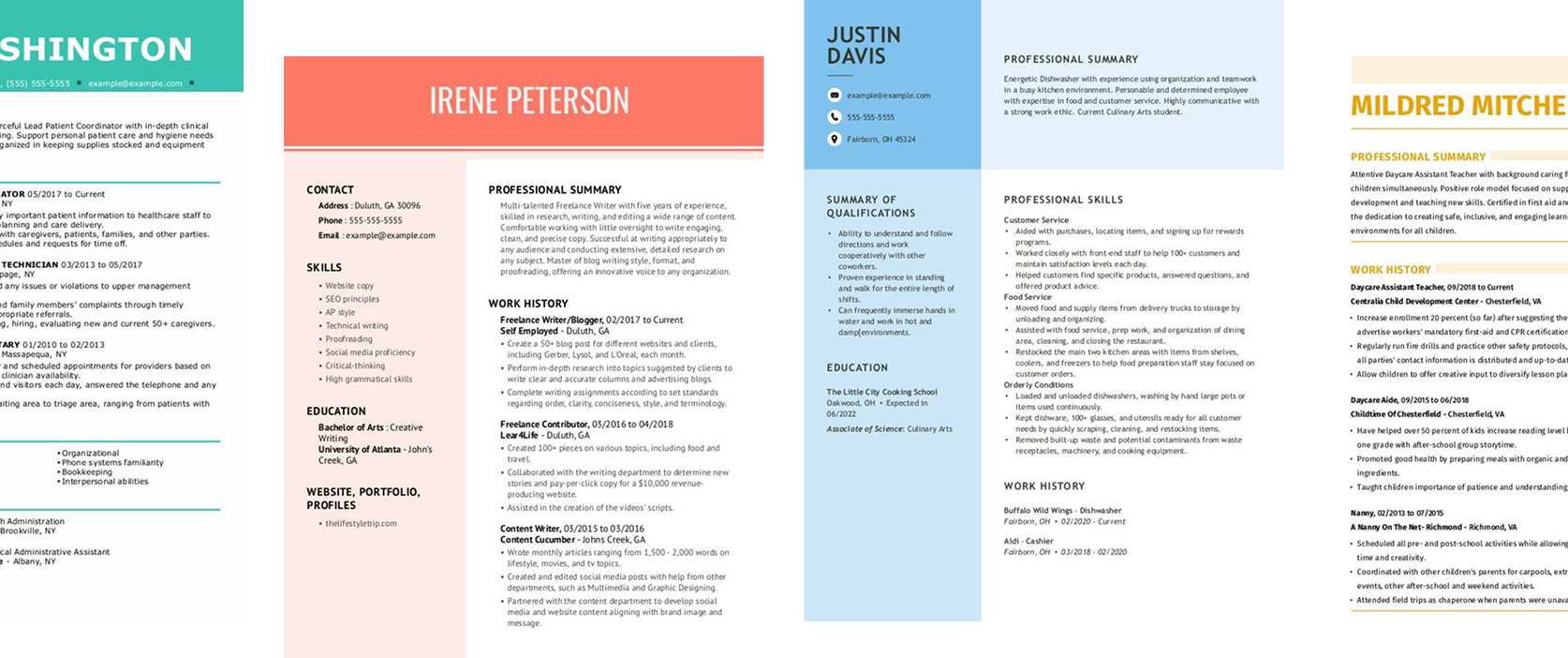
Professional Templates
Use any of our professionally designed, ATS-compliant resume templates to ensure your qualifications stand out.
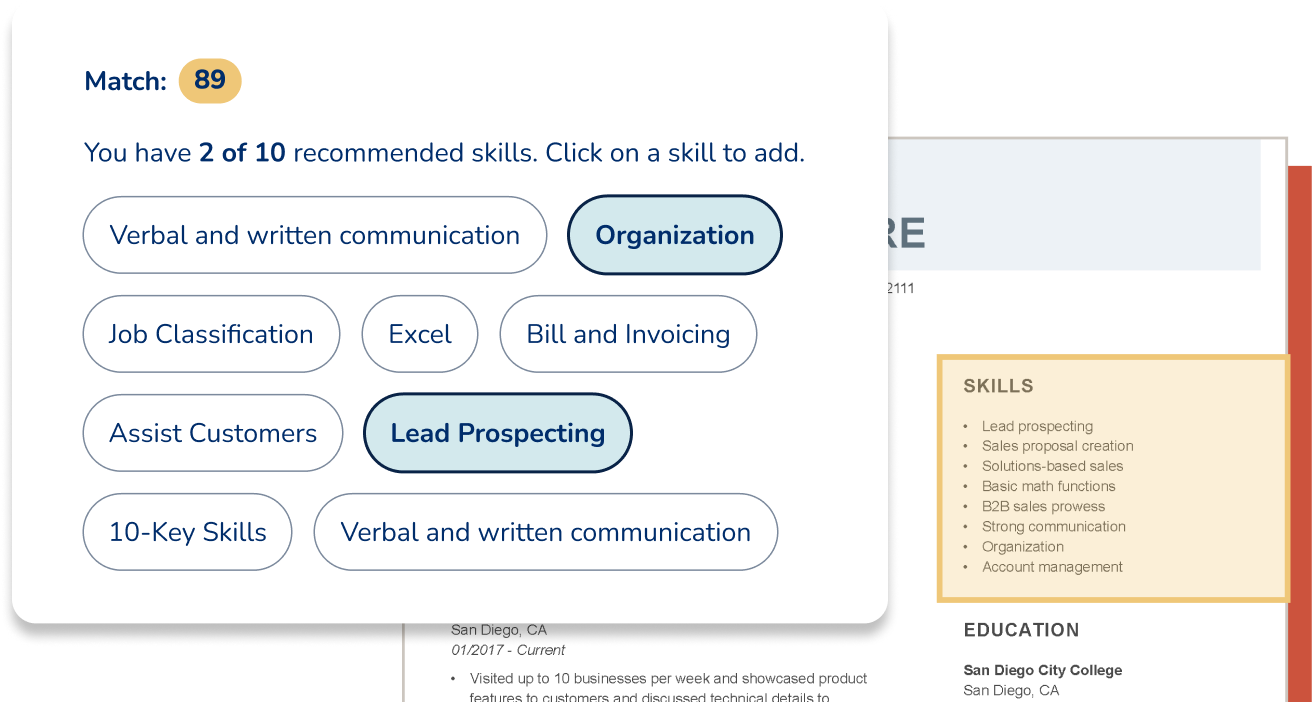
Expert Writing Tips
Get practical tips for every section of your resume and browse professional examples to create a resume that wins interviews.
Optimize Your Resume for Success With Our Free ATS Resume Checker
Upload your resume from any device to get your free ATS resume check. Get your score and receive personalized suggestions to pass ATS scans and stand out to recruiters.

Frequently Asked Questions
Last Updated:
How do I check if my resume is ATS-friendly?
You can check whether your resume is ATS-friendly by scanning it with an ATS resume checker. The tool looks for formatting issues, missing keywords, unclear section headings, and other problems that could prevent ATS from reading your resume correctly.
Our free ATS Resume Checker provides a resume score along with personalized suggestions you can implement using MyPerfectResume’s Resume Builder.
How can I check my resume score for free?
You can use our ATS Resume Checker to check your resume score for free by scanning your resume for formatting issues, missing sections, and generic content. It identifies areas for improvement, such as a lack of measurable achievements or weak keyword alignment, so you can tailor your resume to the job description.
What is a good ATS score for a resume?
A good ATS score for a resume is typically 80% or higher, as it indicates alignment with the job posting and improves the chances of your application reaching the hiring manager. ATS scores vary depending on the software used and how closely your experience matches a specific job description. Because of this, writing a targeted resume for each role is essential.
Is 74 a good ATS score?
A score of 74 is a solid starting point, but most job seekers should aim for an ATS score of 80 or higher. Keep in mind that ATS scores vary between tools and depend on how closely your resume matches a specific job description. Customizing your resume for every application can help improve your score.
Which ATS resume checker is the best?
The best ATS resume checker provides tailored feedback on formatting, keywords, resume structure, and ATS compatibility. MyPerfectResume’s ATS score checker does this by evaluating your resume using many of the same formatting and content principles ATS use during screening. You can then apply the recommended changes using our Resume Builder.
Can ChatGPT analyze my resume?
ChatGPT can provide general feedback on your resume, but it doesn’t simulate how ATS software evaluates formatting, keywords, or resume structure. An ATS resume checker is designed to identify compatibility issues that may affect how your resume performs during automated screening.
For the best results, use ChatGPT for writing suggestions and an ATS Resume Checker to identify technical issues before applying.
What are common ATS resume mistakes?
Common ATS resume mistakes include using complex formatting, missing relevant keywords, and using elements that ATS can’t read properly. Other issues include inconsistent job titles, unclear section headings, and submitting files in unsupported formats.
These mistakes can prevent your resume from being parsed correctly or ranked highly, even if you’re qualified, reducing your chances of passing initial screening.
What file format is best for ATS?
The best file format for ATS is typically a Word file (DOC or DOCX), as it’s most consistently parsed by ATS software. While many modern systems also accept PDFs, a Word file is generally the safest choice.
If you use a PDF, make sure it’s text-based (not an image) and has simple formatting. Always follow the job posting instructions for the required format.
Rate this article
ATS Resume Checker


Elizabeth is a Certified Professional Resume Writer (CPRW) and a member of the Professional Association of Resume Writers & Career Coaches. She is committed to helping job seekers navigate the job market and succeed in their careers.
More Articles by Elizabeth Muenzen, CPRWShare this page
 Add MyPerfectResume as a preferred source on Google
Add