
Free Resume Templates
 CREATE ON ANY DEVICE
  AI TOOL
Stand out with an AI-powered, ATS-friendly resume template shown to increase response rates by around 42%‡. Customize, add ready-made content, and download on any device.
Choose from 434 ATS-friendly templates
[Template Name]
empty-template-cta
 Popular
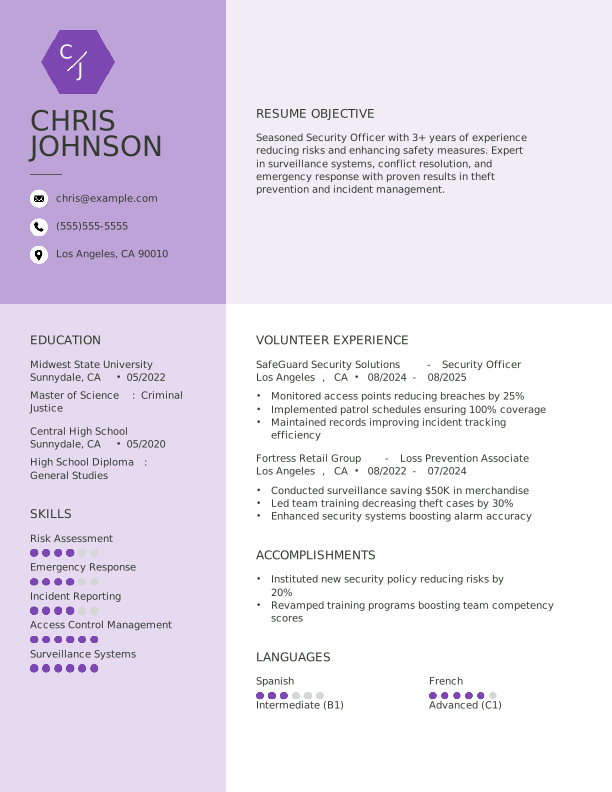
Creative Electric Lilac Resume Template for Security Officer
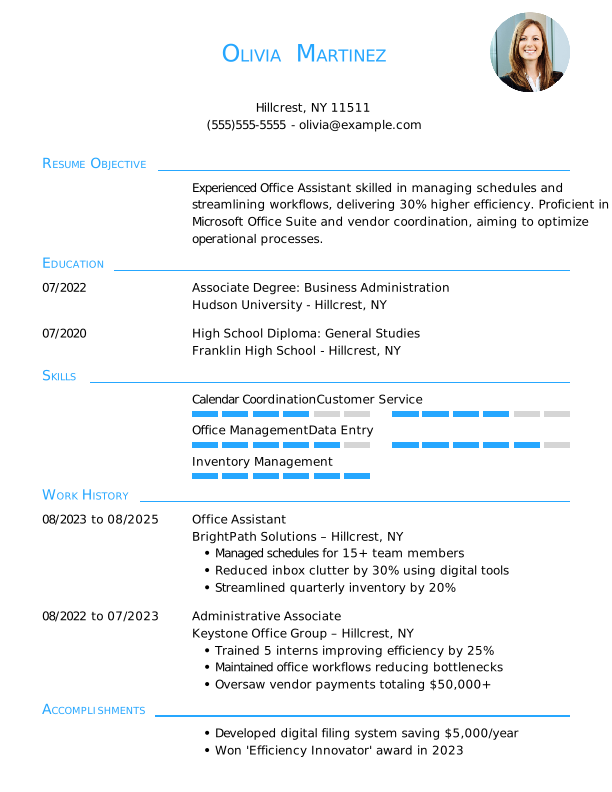
Traditional Ice Blue Resume Template for Office Assistant
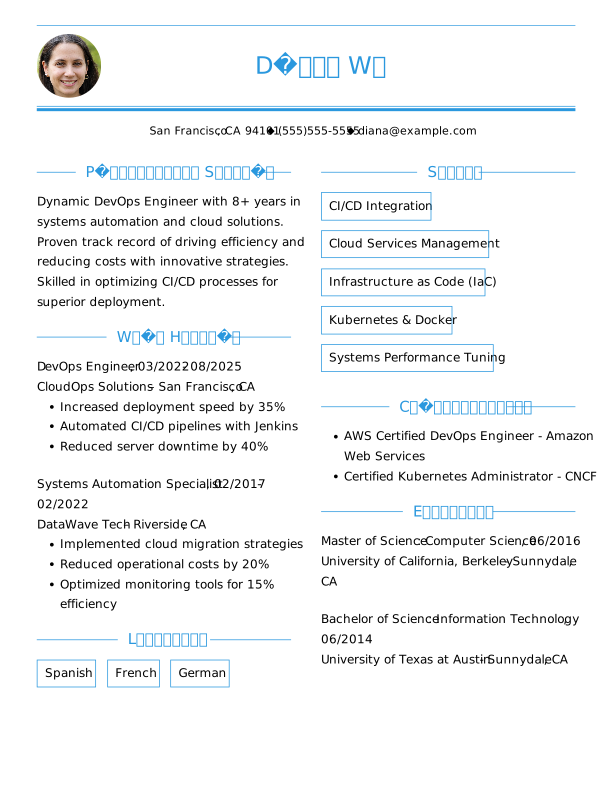
Traditional Olympic Blue Resume Template for Devops Engineer
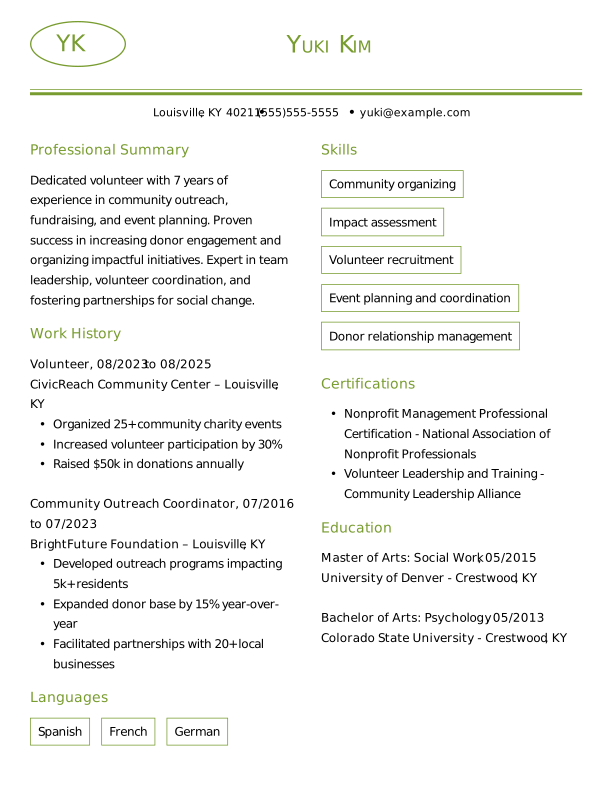
Traditional Moss Green Resume Template for Volunteer
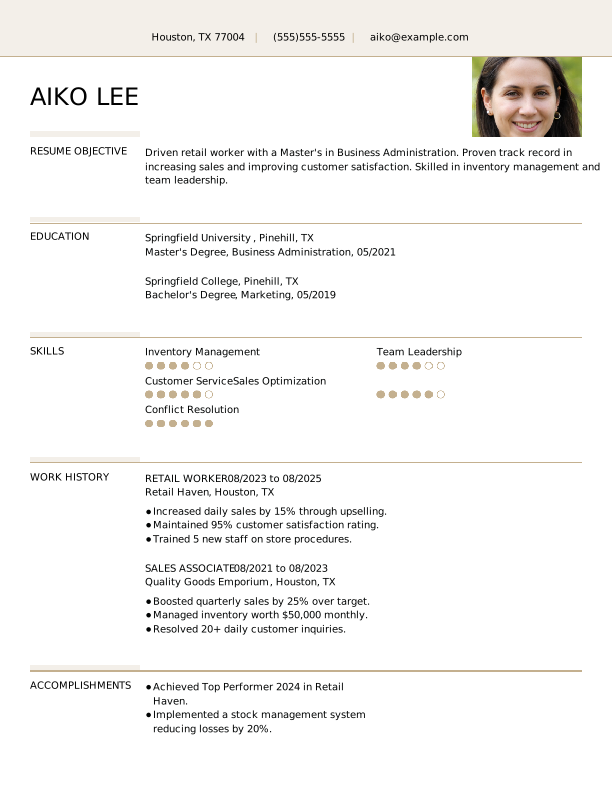
Creative Sand Dollar Resume Template for Retail Worker
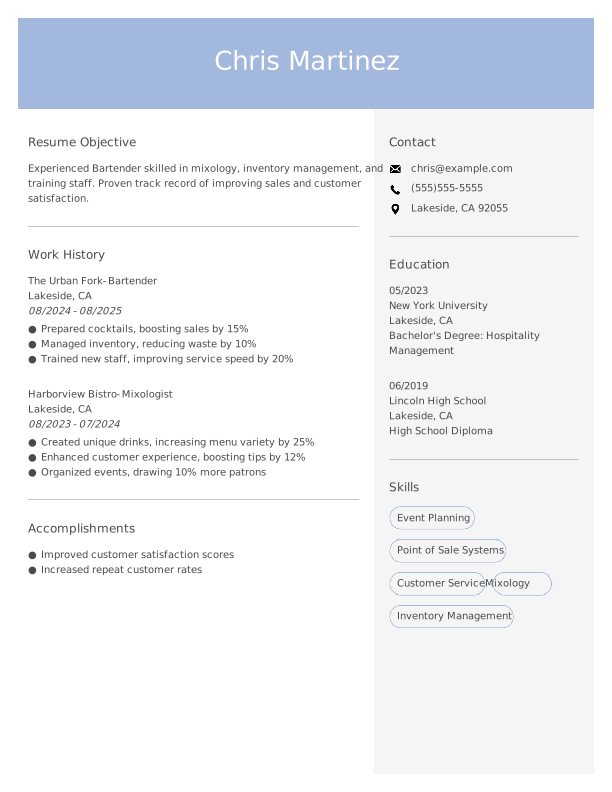
Modern Steel Blue Resume Template for Bartender
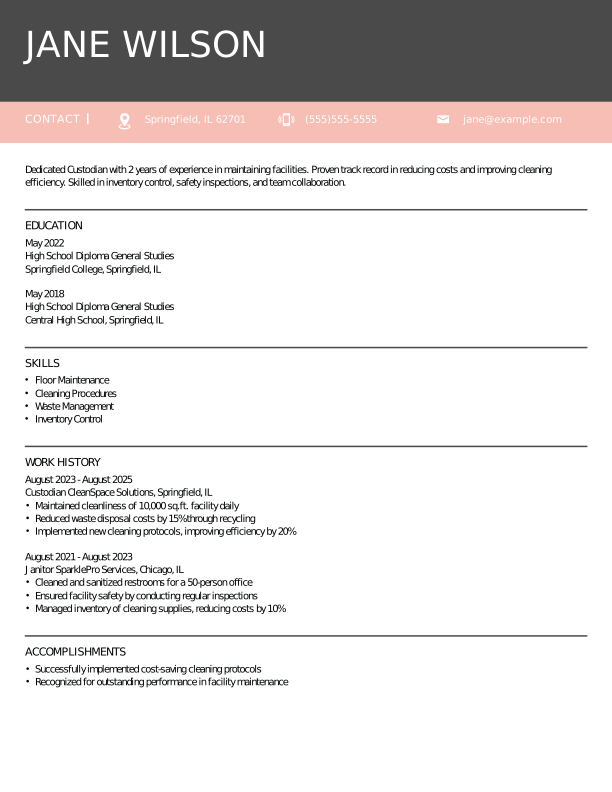
Modern Azalea Pink Resume Template for Custodian
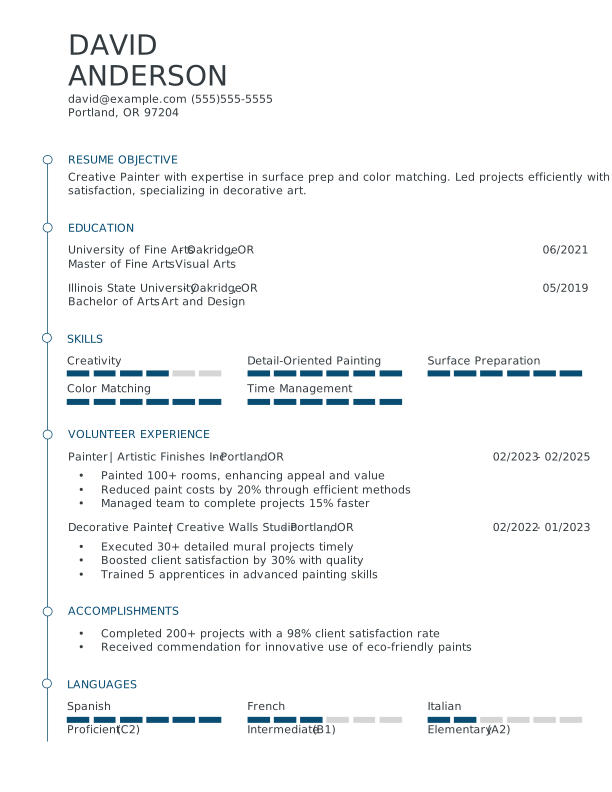
Modern Slate Blue Resume Template for Painter

Modern Indian Red Resume Template for Administrative Assistant
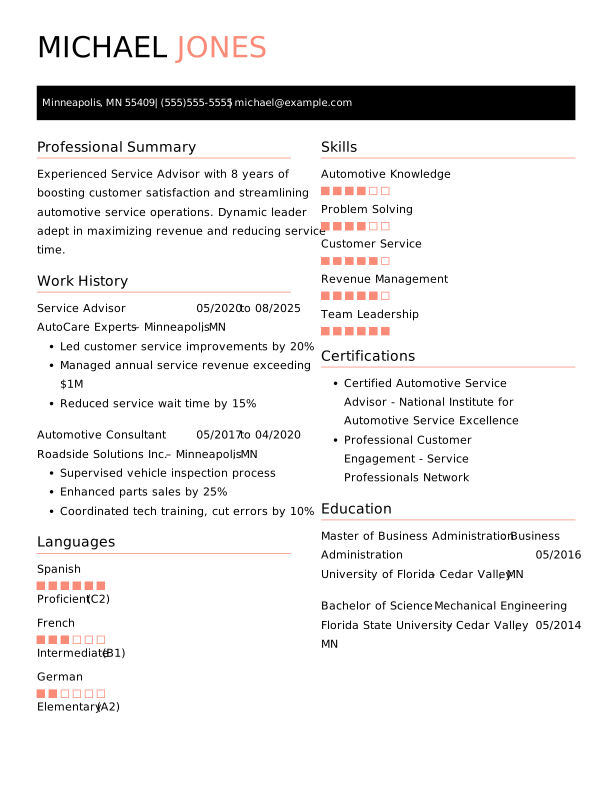
Creative Contessa Rose Resume Template for Service Advisor
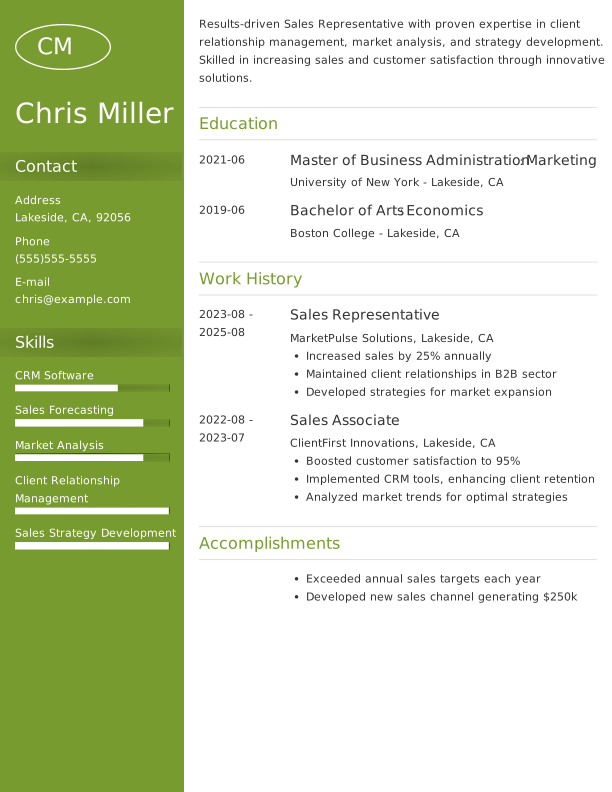
Modern Moss Green Resume Template for Sales Representative
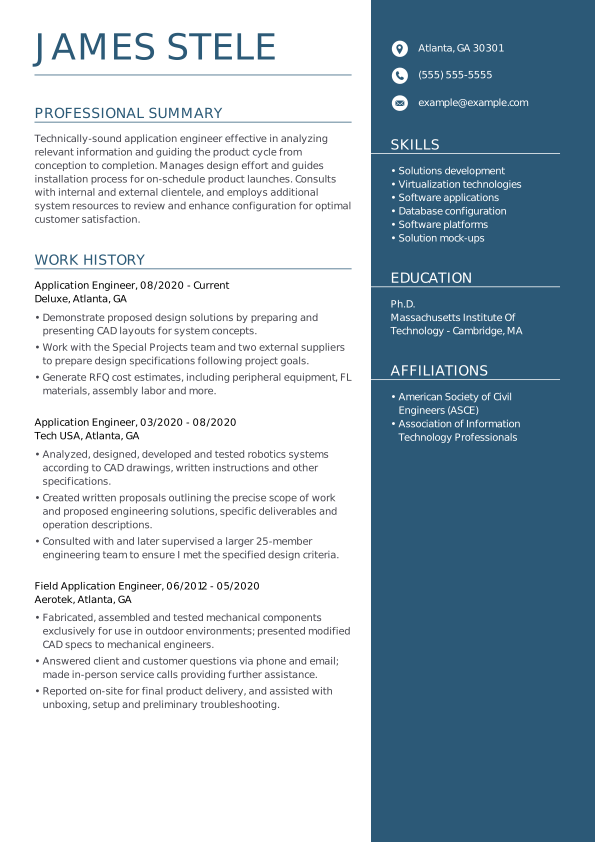
Application engineer resume template for technical roles
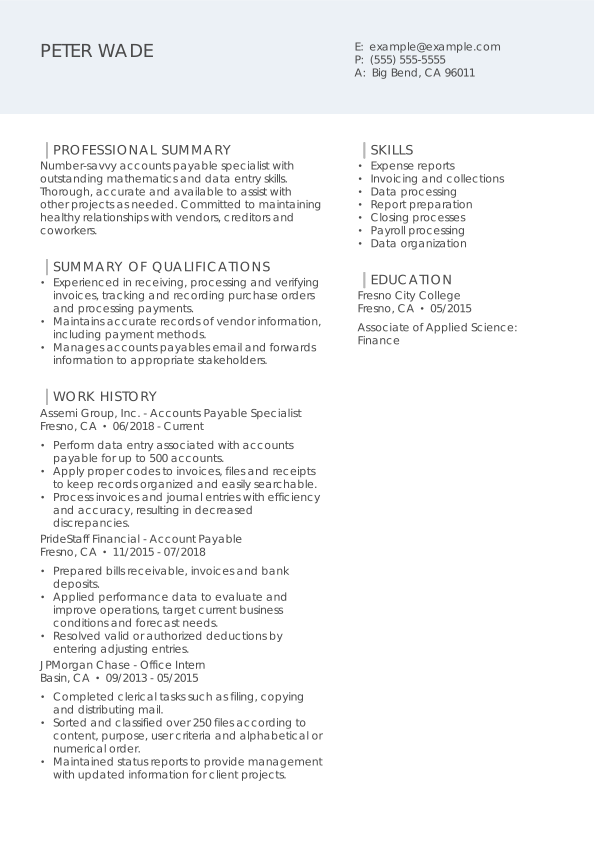
Account payable specialist resume template for finance professionals
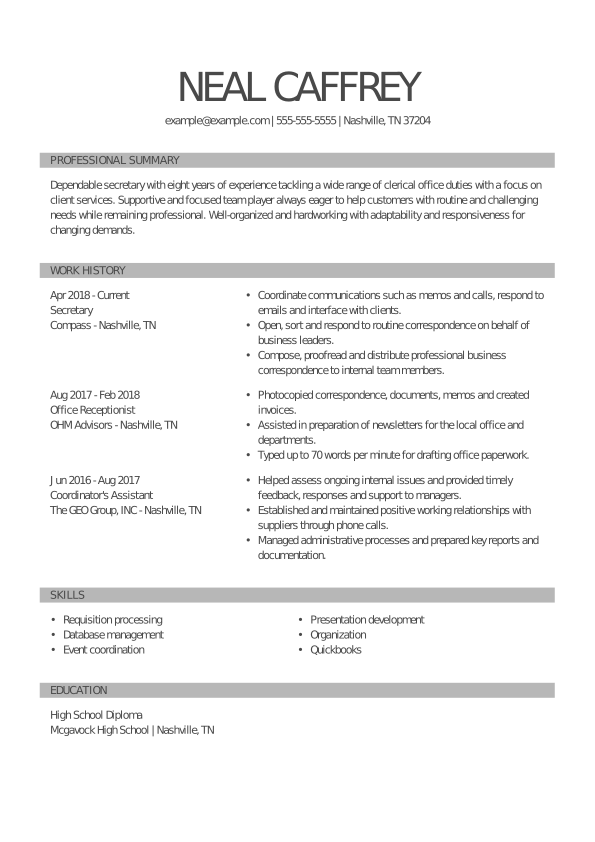
Secretary resume template for administrative support roles
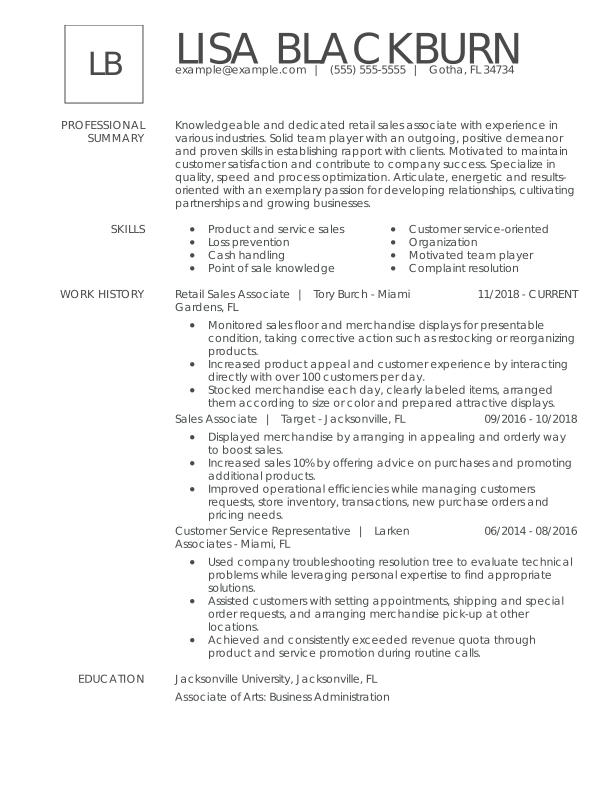
Retail sales associate resume template for customer service roles
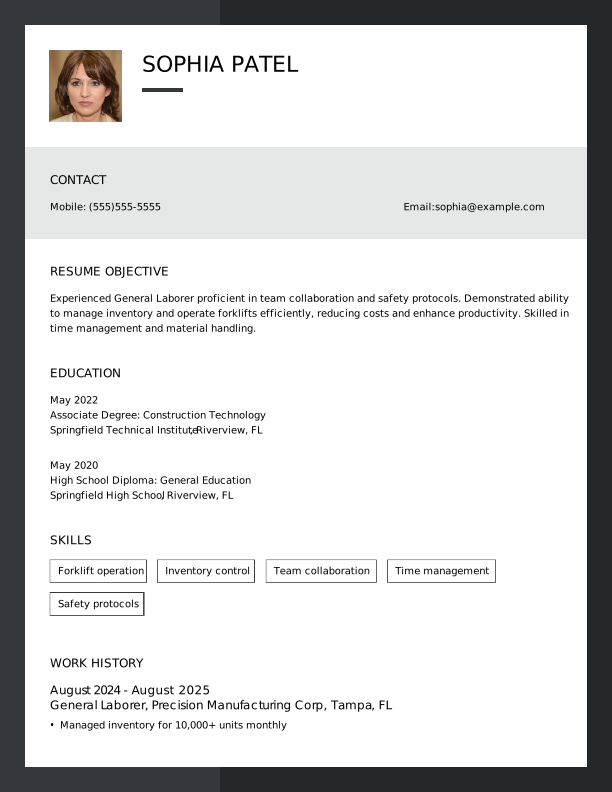
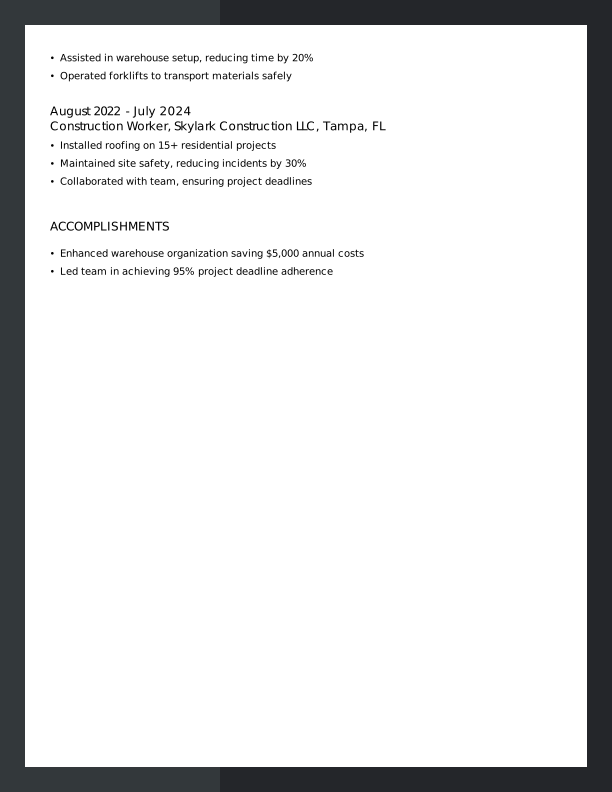
Creative Outer Space Resume Template for General Laborer
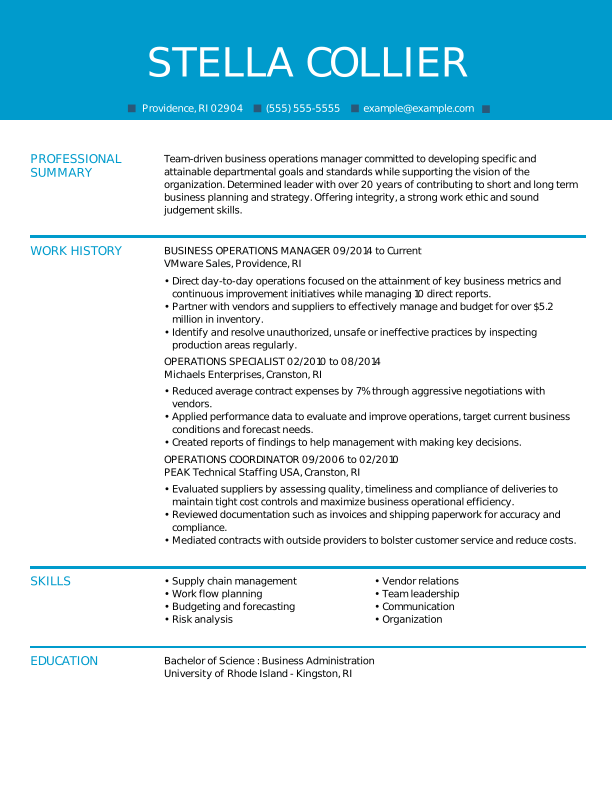
Business operations manager resume template for leadership roles
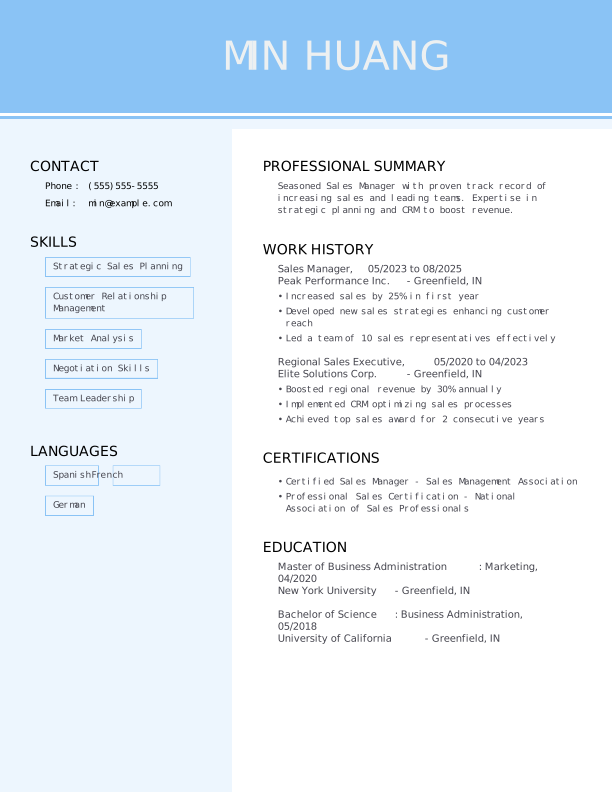
Modern Carolina Blue Resume Template for Sales Manager
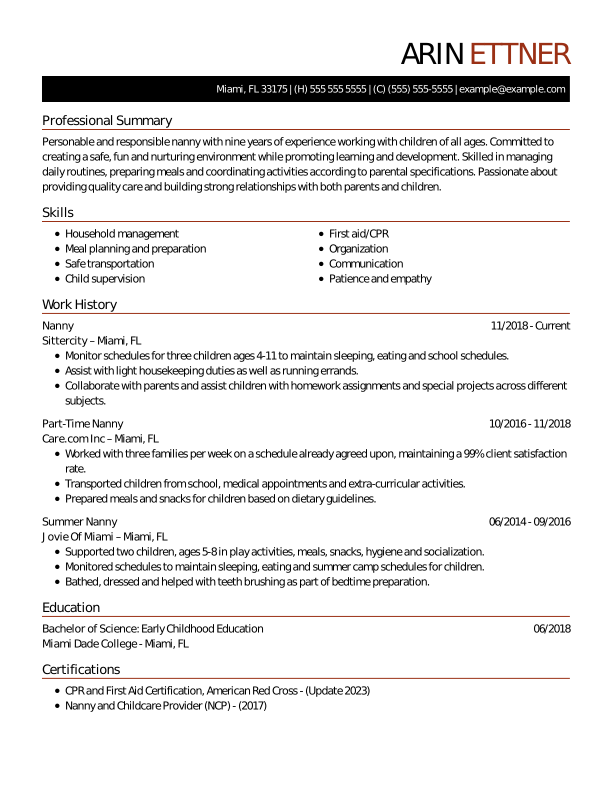
Nanny resume template for childcare professionals
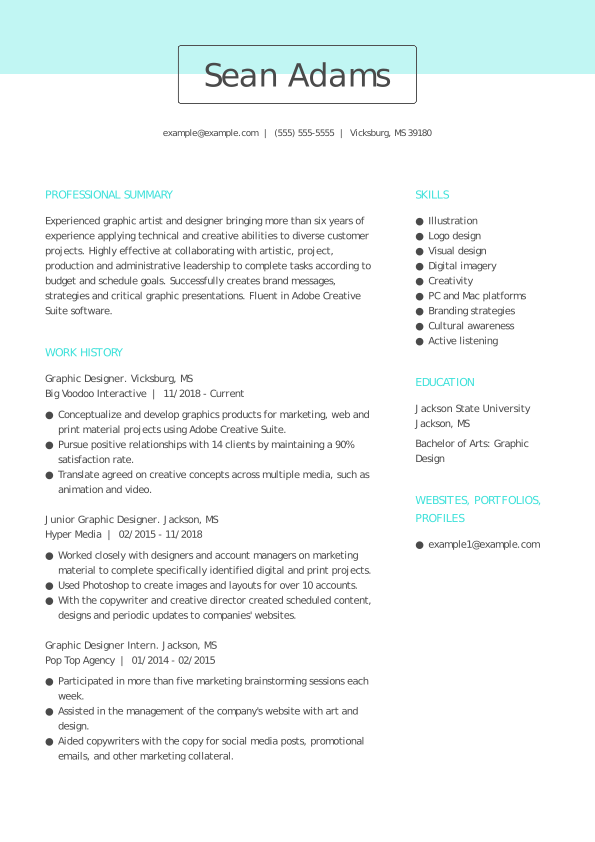
Graphic designer resume template for creative portfolios
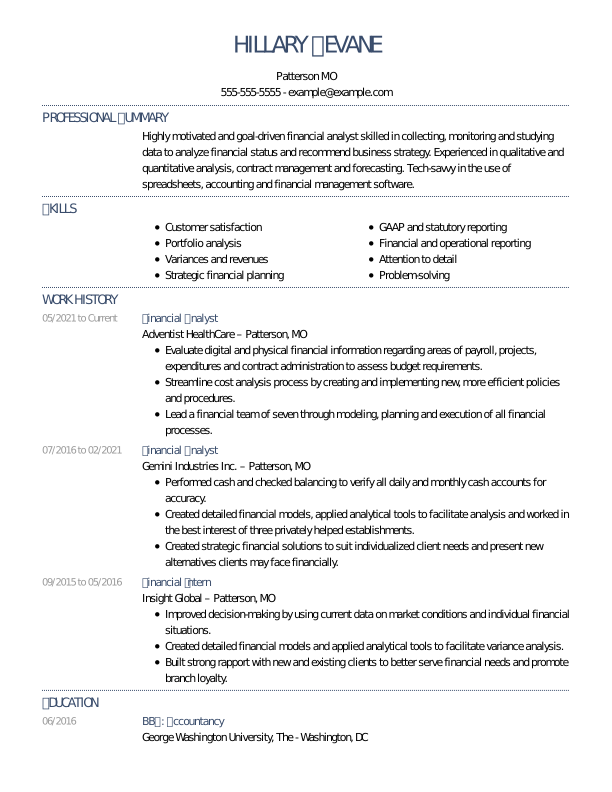
Deluxe resume template for financial analyst positions
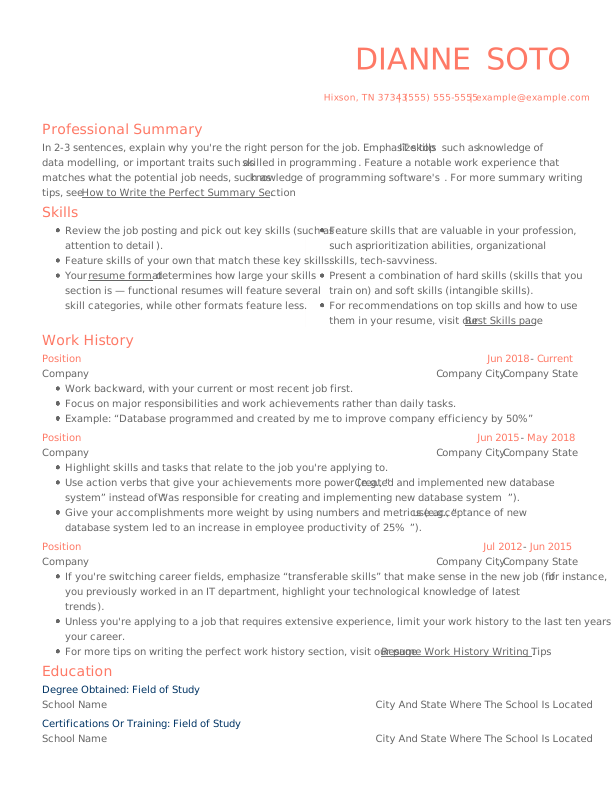
 Free
FreeFree Modern Resume Template: Contessa Rose
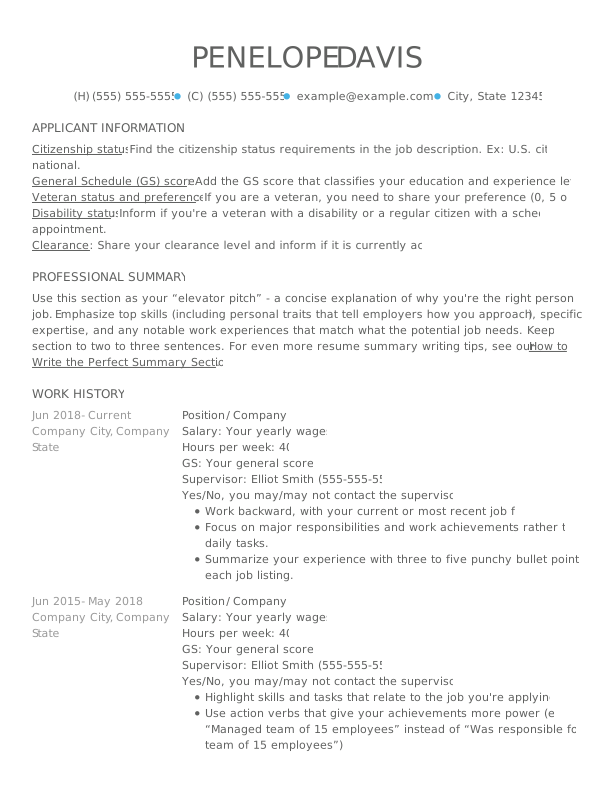
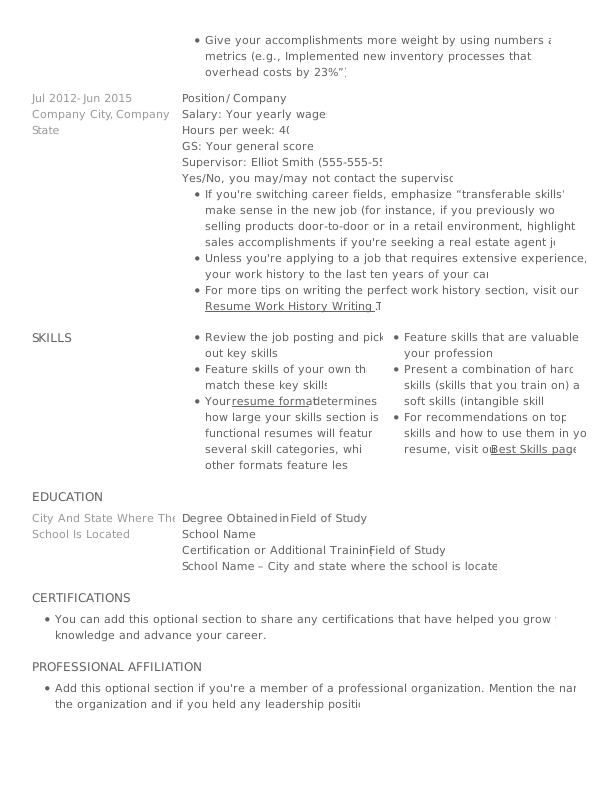
Free Creative Resume Template: Nobel Grey
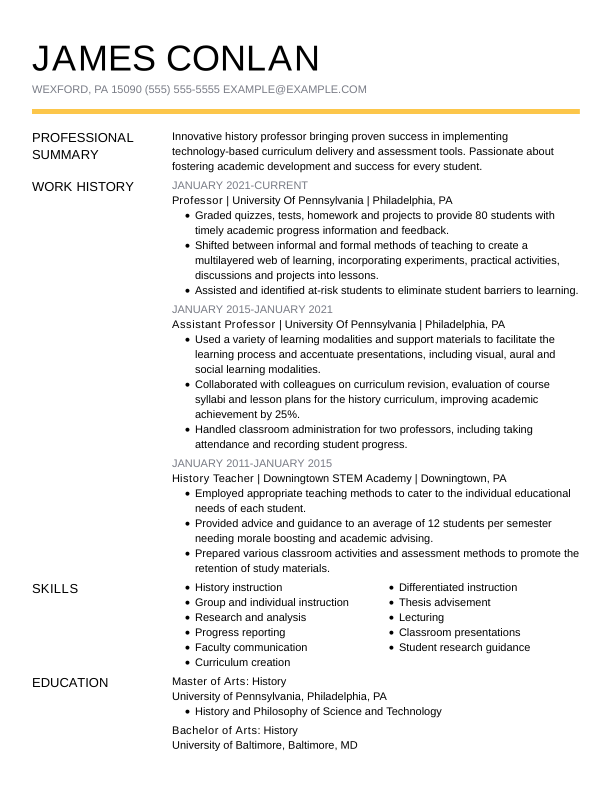
History professor resume template for academic professionals
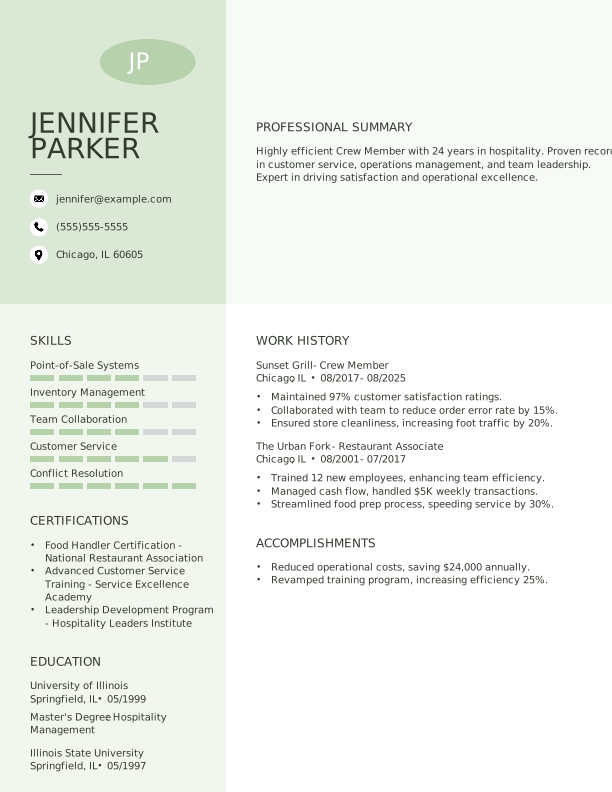
Creative Pixie Green Resume Template for Crew Member
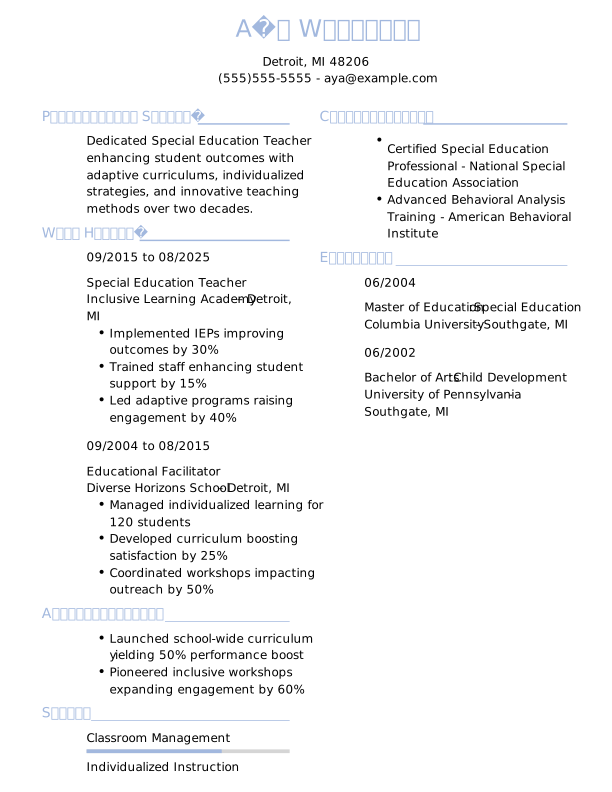

Traditional Steel Blue Resume Template for Special Education Teacher
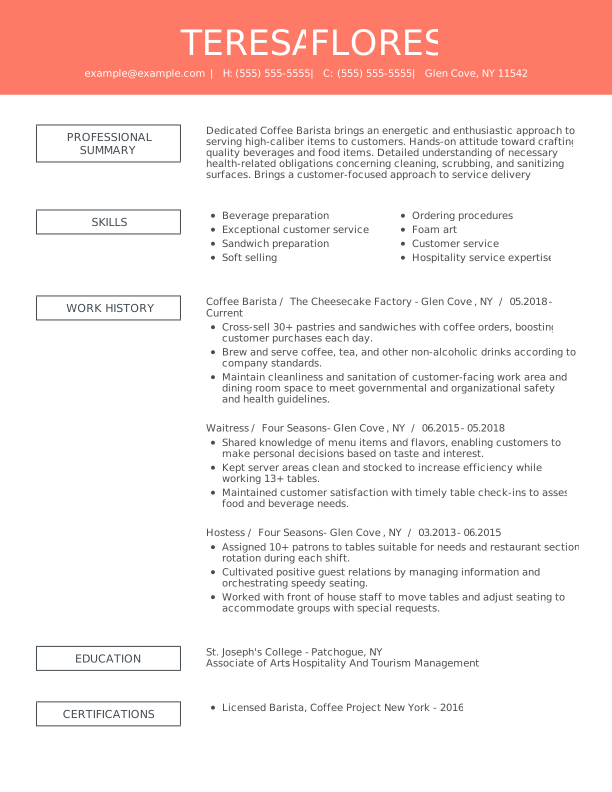
Remarkable resume template with innovative, eye-catching layout
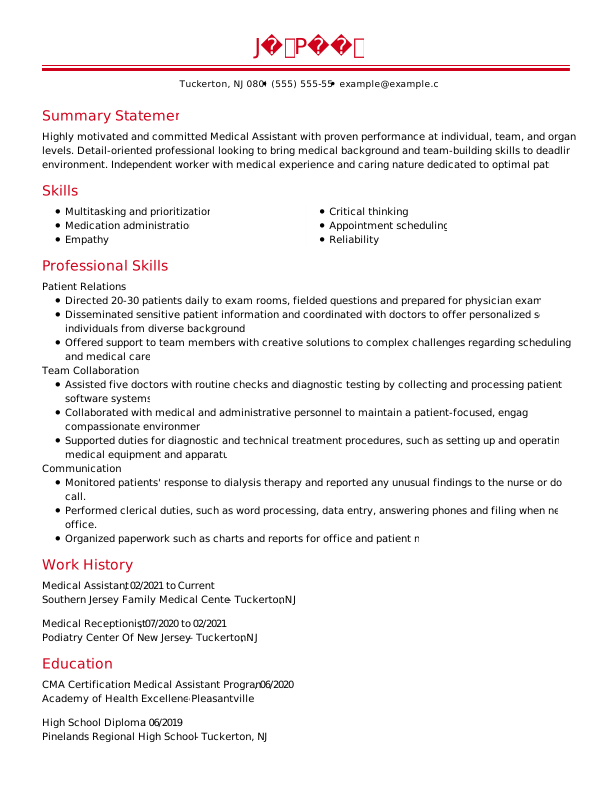
Medical assistant resume template using professional functional layout
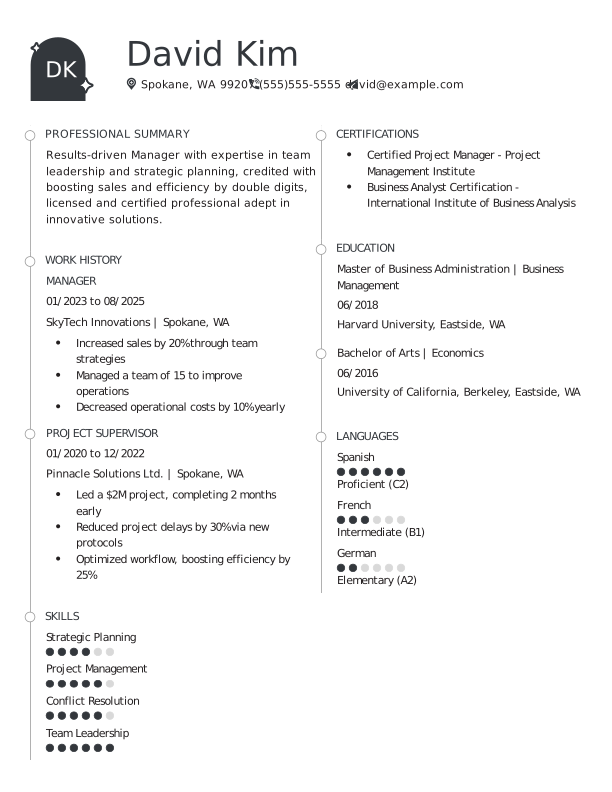
Creative Outer Space Resume Template for Manager
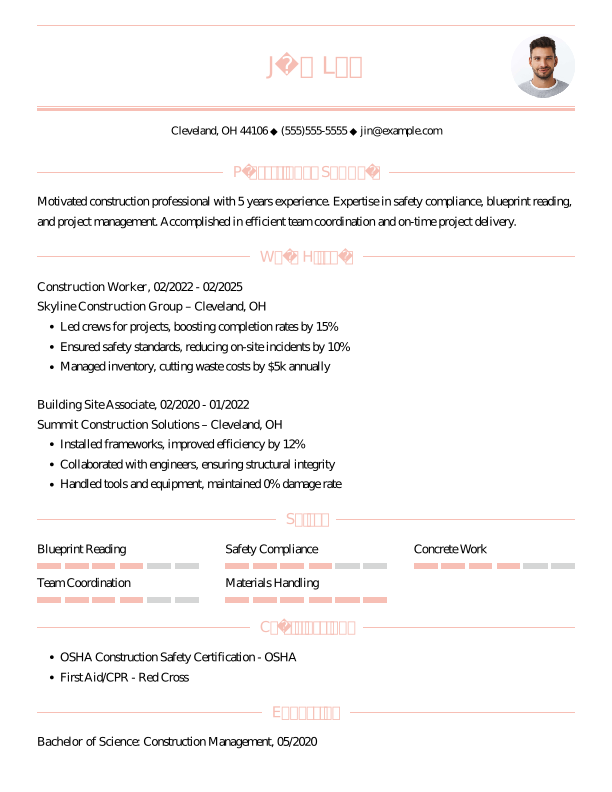

Traditional Azalea Pink Resume Template for Construction Worker
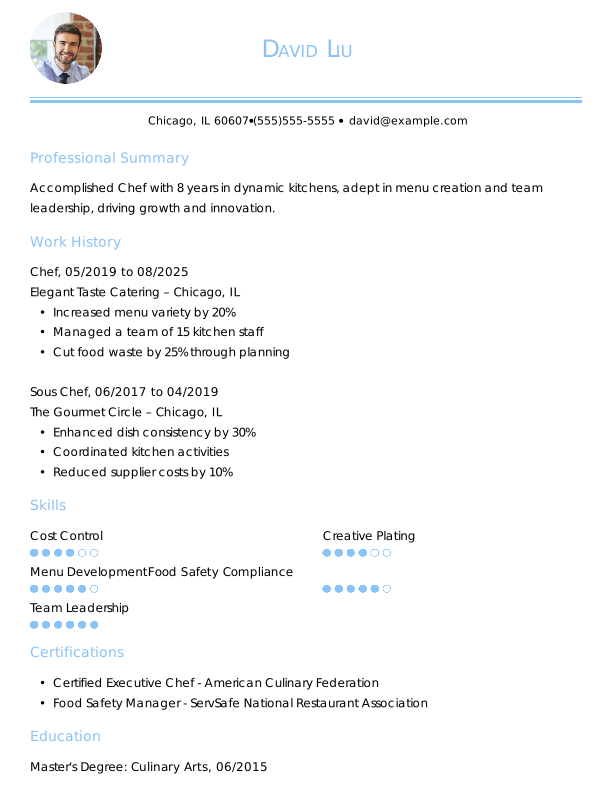

Traditional Carolina Blue Resume Template for Chef
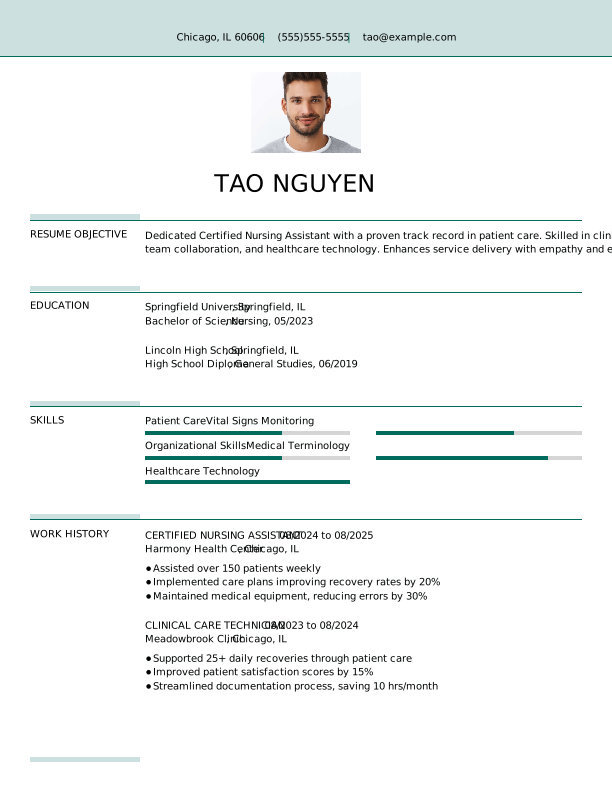

Creative Empress Teal Resume Template for Certified Nursing Assistant
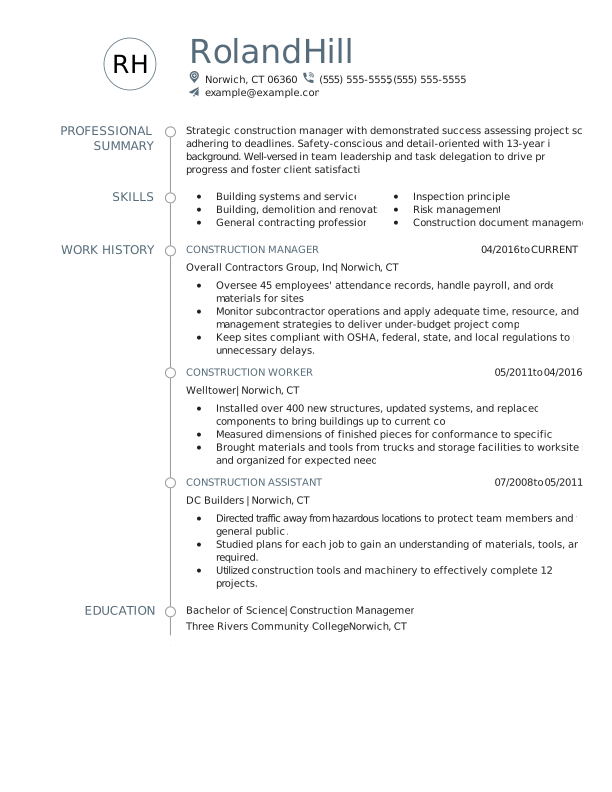
Construction manager resume template with strong formatting
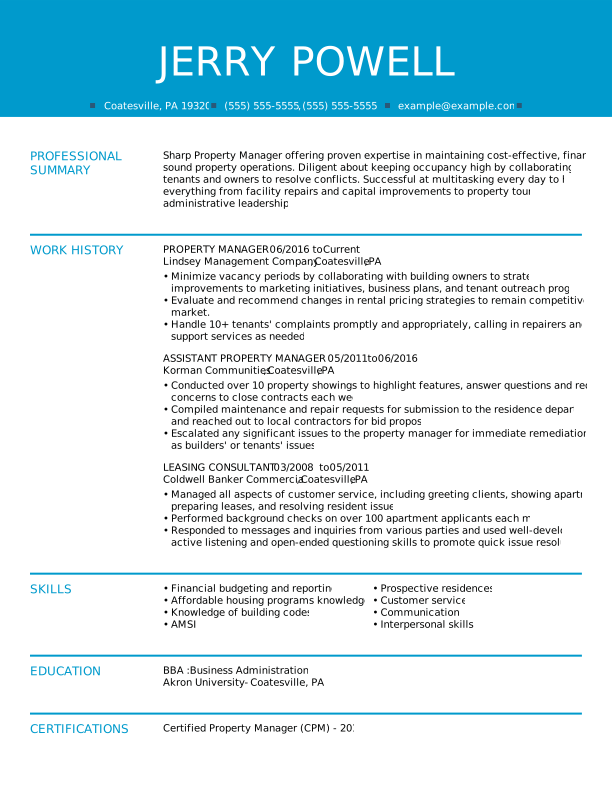
Modern and clean resume template named “Fresh”
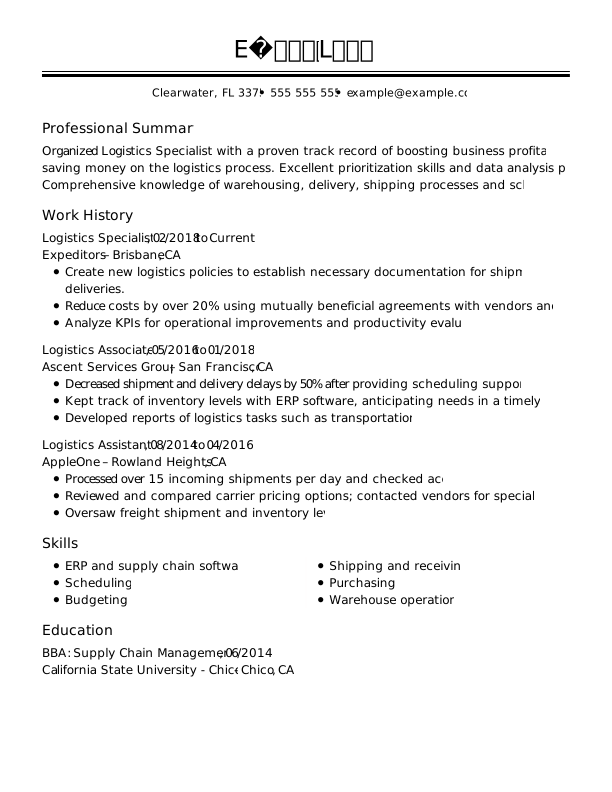
Traditional Full Black Resume Template for Logistics Specialist
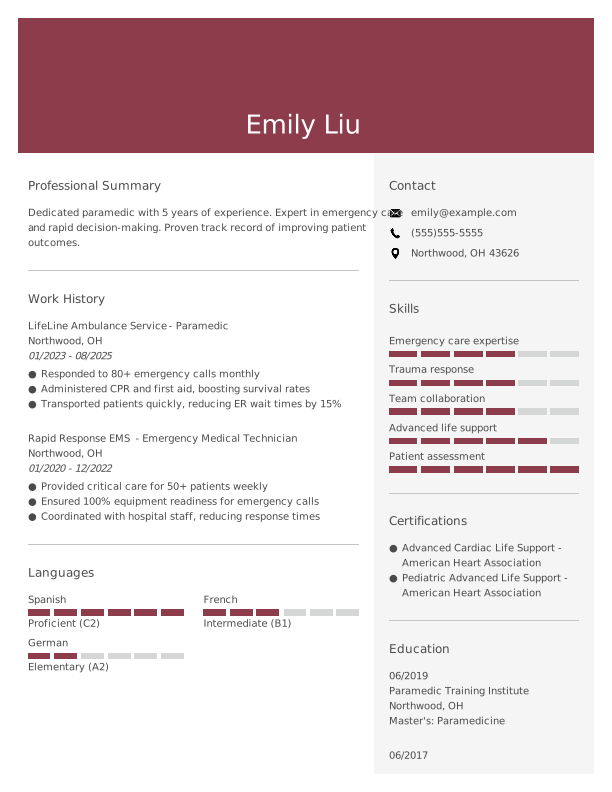

Modern Camelot Resume Template for Paramedic
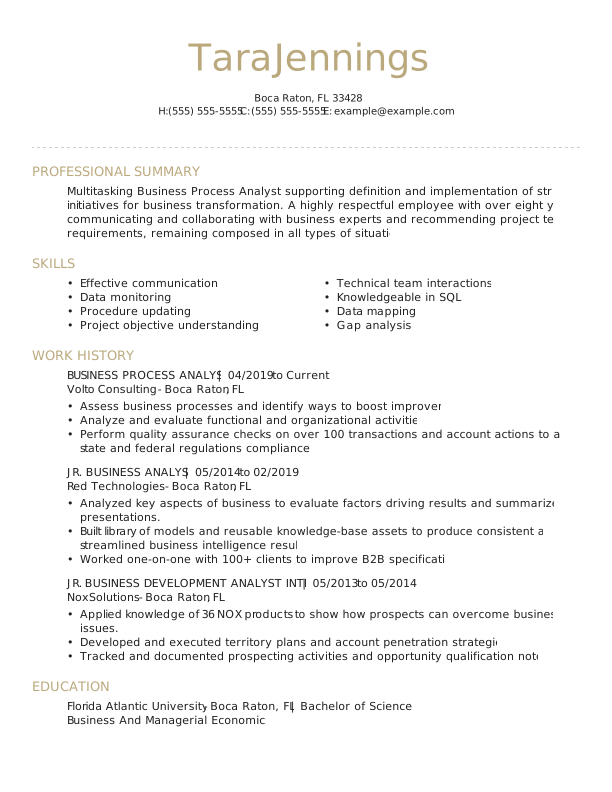
Distinguished resume template combining skills and experience
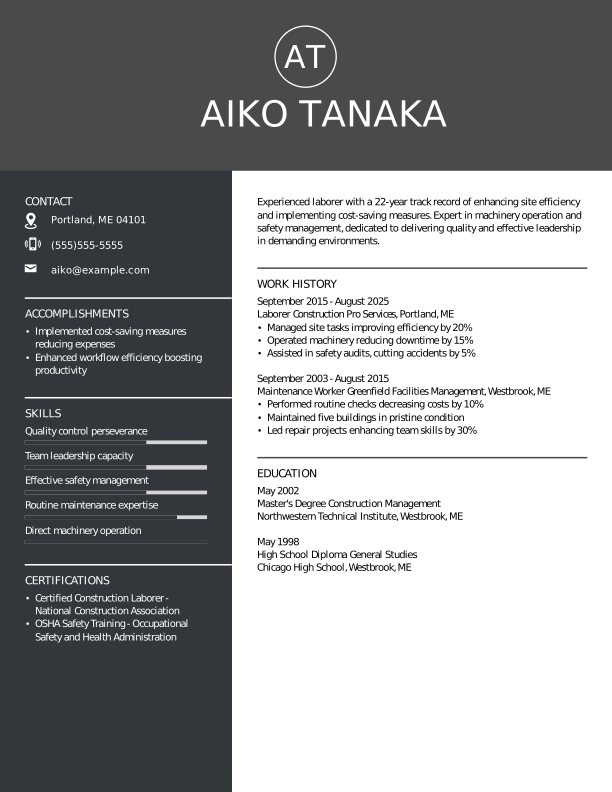
Modern Outer Space Resume Template for Laborer
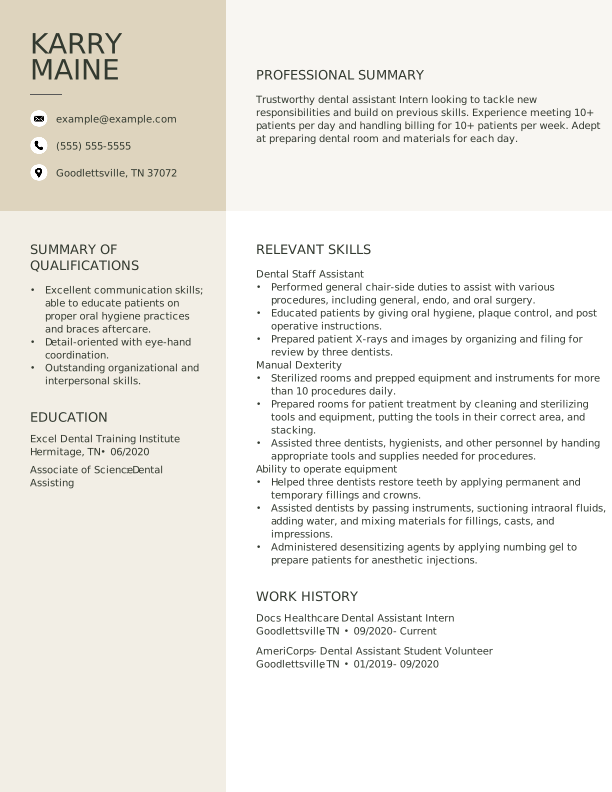
Dental assistant resume template named Original
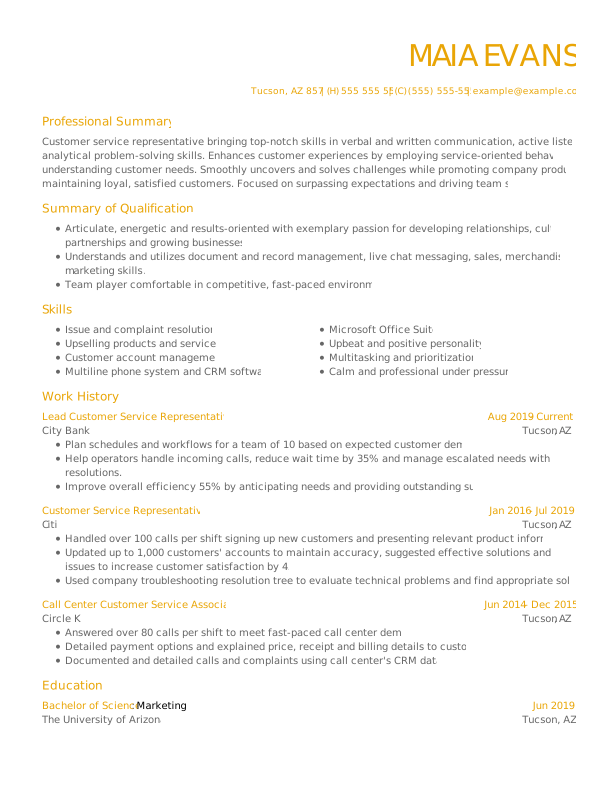
Customer Service Representative Resume Template
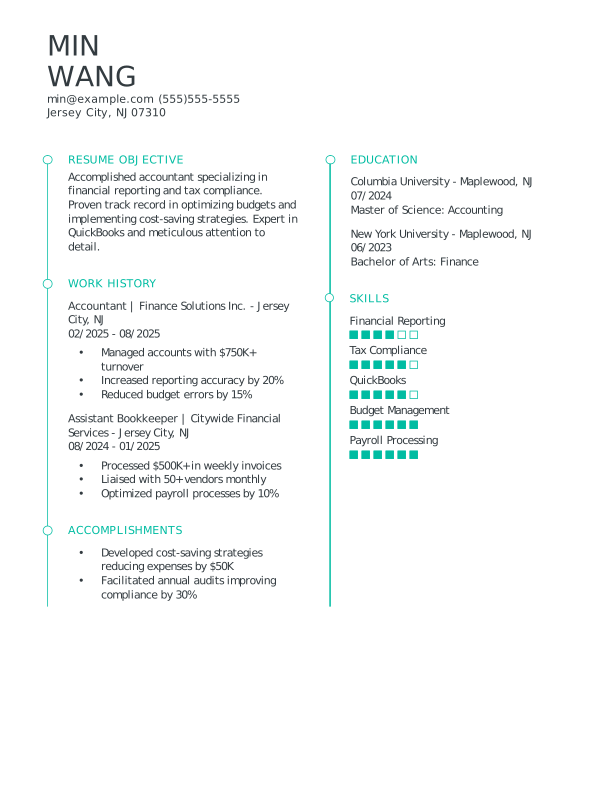
Modern Turquoise Resume Template for Accountant
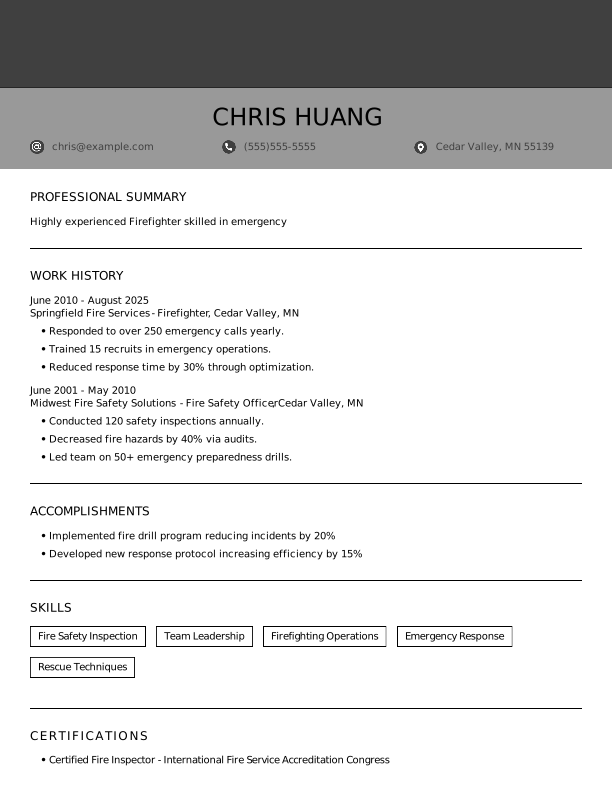

Creative Full Black Resume Template for Firefighter
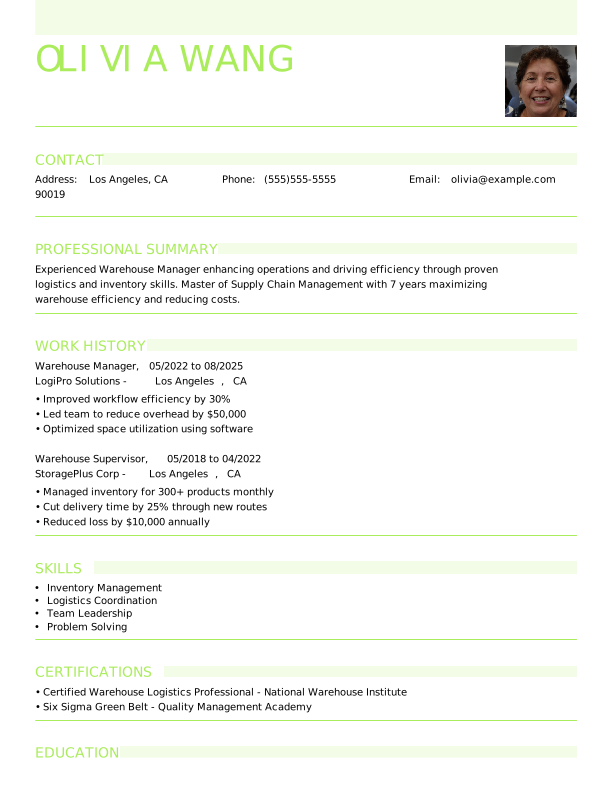

Modern Lime Green Resume Template for Warehouse Manager
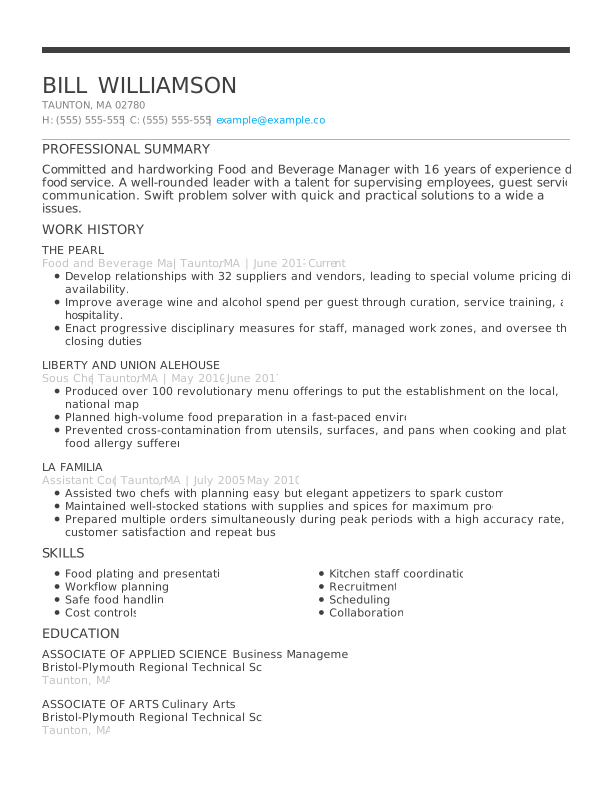
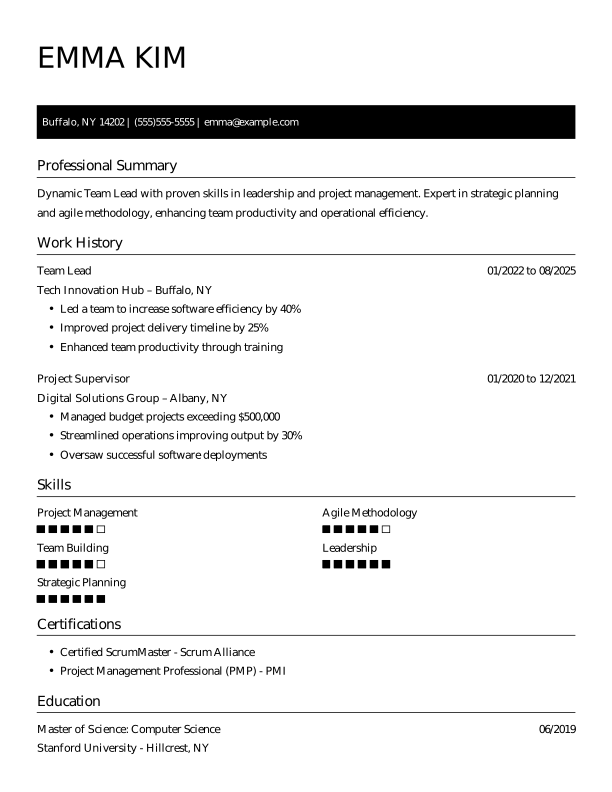

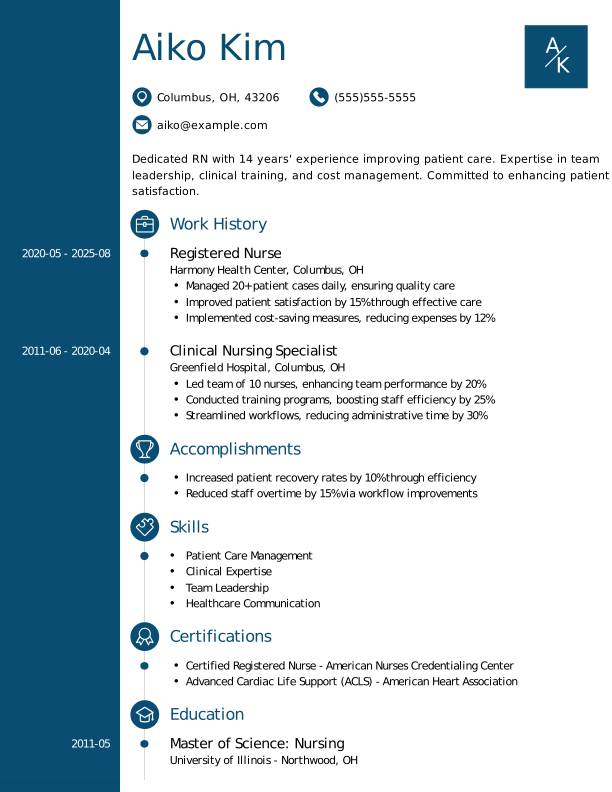

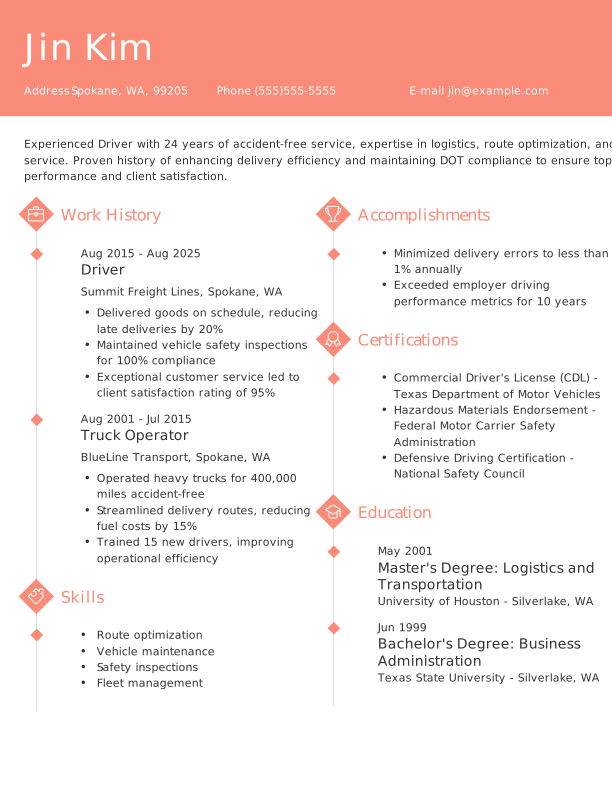
More ATS-Friendly Resume Templates
 Traditional
 Google Docs
 Chronological
 Combination
 Functional
How to Choose the Right Resume Format
Choosing the right resume format depends on your experience level, career goals, and work history. Our collection includes chronological, functional, and combination resume templates, each designed to highlight your strengths at your career stage.
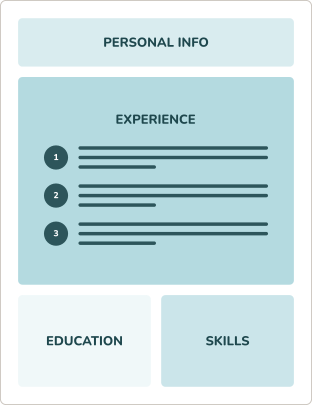
Chronological resume format
Highlights your work history by listing jobs in reverse-chronological order, which is ideal for showcasing steady career growth. This is the resume format most employers expect and the best choice for most job seekers.
RECOMMENDED
- You have consistent career progression in your current industry.
- You’ve built a professional career within a single field of expertise.
- You’re applying for a role that’s similar to your current position.
Combination resume format
Balances your skills and work history to showcase diverse qualifications, making it an excellent format for career changers and freelancers.
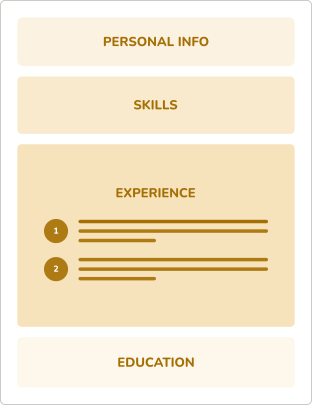
- You’re changing to a new career path and need to highlight key skills.
- You have freelance or varied work experience that you want to showcase.
- You’re applying for a mid-level role that values diverse qualifications.
Functional resume format
Emphasizes skills and abilities over work history, making it an ideal format for recent graduates or job seekers with limited experience.
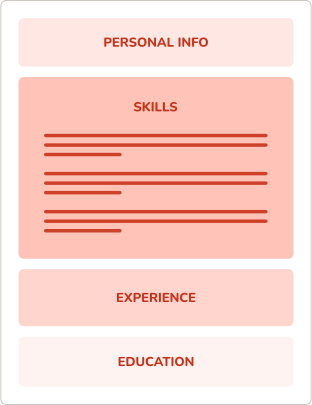
- You’re a recent graduate with limited professional experience to highlight.
- You have gaps in your work history and want to focus on other areas.
- You’re applying for an entry-level role that emphasizes skills over experience.
Resume Formatting Tips for Every Template
Our resume templates are professionally formatted, but you can customize them to match your style. Use these tips to personalize your template while maintaining a clear structure and consistent styling so your qualifications stand out and recruiters can quickly scan your resume.


Margins
Keep margins between 0.5 and 1 inch on all sides to ensure your resume looks clean, fits on one page (or two for more experienced candidates), and is easy for applicant tracking systems (ATS) to parse.
Font Size
Use a professional, easy-to-read font like Arial, Calibri, or Times New Roman. Keep body text sized at 10–12 points, section headings at 14–16 points, and your name at 18–24 points.
Bullet Points
Use short, impactful bullet points to list achievements or responsibilities. Start each bullet with a strong action verb and maintain consistent formatting and punctuation.
Spacing
Include enough spacing between sections and bullets to make your resume easy to scan. Avoid crowding text; use single spacing within sections and one to two lines between sections.
Get Hired Fast With MyPerfectResume’s
Free Resume Templates

Professional Designs for Every Industry
Find an ATS-friendly resume template for any industry, job, or career level. From creative resume designs to minimalist and basic resume templates, you’ll find an option that matches your experience and career goals.

Easy to Customize for Any Experience Level
You can quickly and easily customize your resume template to highlight your skills, experience, and education right from your mobile device or desktop.

Instant Insights to Improve Your Resume
With our resume grader, you’ll get personalized insights and actionable tips to strengthen your resume, increase your score, and stand out to hiring managers.

Expert Tools Do the Heavy Lifting for You
MyPerfectResume’s AI Resume Builder and templates help you create a standout resume with expert tools, AI-powered content, and easy customization on any device.
Search Professionally Written
Resume Examples
Easily tailor our resume examples using MyPerfectResume’s online Resume Builder.
Search Professionally Written
Cover Letter Examples
Our cover letter examples highlight the ideal tone and skills employers seek.
Search Professionally Written
CV Examples
Personalize our CV examples with MyPerfectResume’s free Resume Builder.
Get Started Creating a Job-Winning Resume
Upload Your Current Resume
Import your details into one of our polished resume templates.
Create a New Resume
Choose one of our resume templates, and we’ll guide you through the rest.
Frequently Asked Questions
Last Updated:
How do I download a free resume template?
To download a free resume template, click the “Free” filter at the top of this page, check the “Free” box, and choose a template that aligns with your career stage and goals.
Each free resume template is available as a PDF, Google Doc, and Word document. Select your preferred format, then click “Download my template” to access it.
What is the best resume template to use?
The best resume template matches your experience level, career goals, and the job you’re applying for while remaining clean, professional, and ATS-friendly. It uses an organized layout, easy-to-read fonts, clear section headings, and enough flexibility to highlight your most relevant skills and experience. A simple design with consistent spacing helps both recruiters and ATS software quickly scan your qualifications.
Can I edit your resume templates on my phone?
Yes, you can edit our resume templates on your phone. You can tap to add ready-made content suggestions for your target role, reducing the time you spend writing and describing your experience.
To personalize your design, adjust colors, fonts, and spacing with mobile-friendly tools. When you’re ready, download a consistent preview on any device.
Which format do most employers prefer for resumes?
Most employers prefer the chronological resume format because it clearly shows your most recent work experience, career progression, and accomplishments. It’s familiar to hiring managers, easy to scan, and works well with most ATS software.
If you have little work experience or are changing careers, a combination resume format can also be a strong choice because it highlights both your skills and relevant experience.
Can ChatGPT write my resume?
ChatGPT can help write and refine your resume content, but it shouldn’t be relied on to fully create or format your final resume because it lacks personal context and precise design control. You can use ChatGPT resume prompts to draft bullet points, tailor wording, and improve clarity, then edit carefully and apply a professional template yourself. Always verify AI-generated content for accuracy and tailor it to your own experience.
What are the three C’s of a resume?
The three C’s of a resume are clarity, conciseness, and consistency. A clear resume makes it easy for employers to understand your qualifications. A concise resume focuses on your most relevant skills and accomplishments without unnecessary details. Consistency in formatting, wording, and style creates a polished, professional document that’s easier to read and leaves a stronger impression.
What should I not put on my resume?
Your resume shouldn’t include personal details, outdated experience, or information that’s misleading or irrelevant to the job. Employers prioritize clear, job-related information and may reject resumes that include unnecessary or unprofessional content, such as photos, salary history, excessive jargon, or unrelated job descriptions.
What is the seven-second rule for a resume?
The seven-second rule refers to the idea that hiring managers often spend only a few seconds scanning a resume before deciding whether to keep reading. While the exact amount of time varies, research consistently shows that recruiters make an initial impression very quickly.
To pass this first scan, write a resume that uses a clear layout, includes relevant keywords, and highlights your most important skills and accomplishments.

