
Free Resume Templates
 CREATE ON ANY DEVICE
  AI TOOL
Stand out with an AI-powered, ATS-friendly resume template shown to increase response rates by around 42%‡. Customize, add ready-made content, and download on any device.
Choose from 433 ATS friendly templates
[Template Name]
 Popular
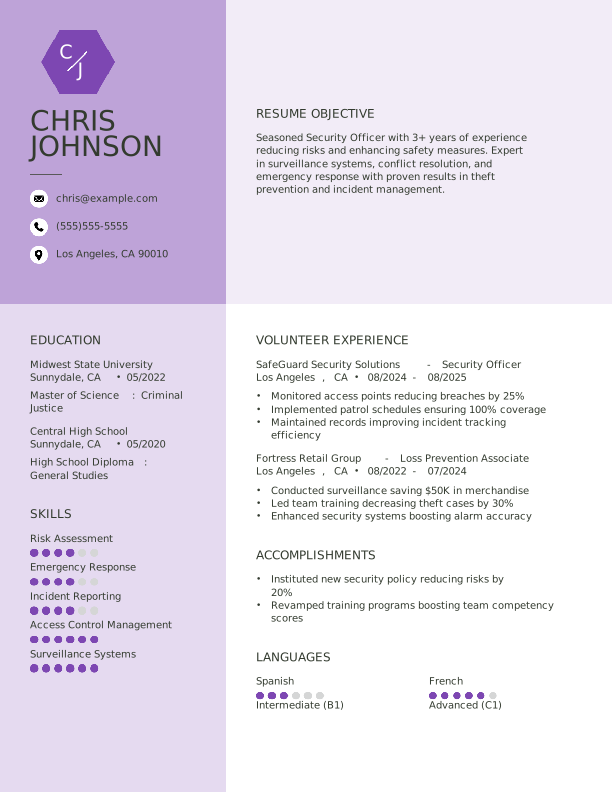
Security Officer Students Resume: Electric Lilac Color
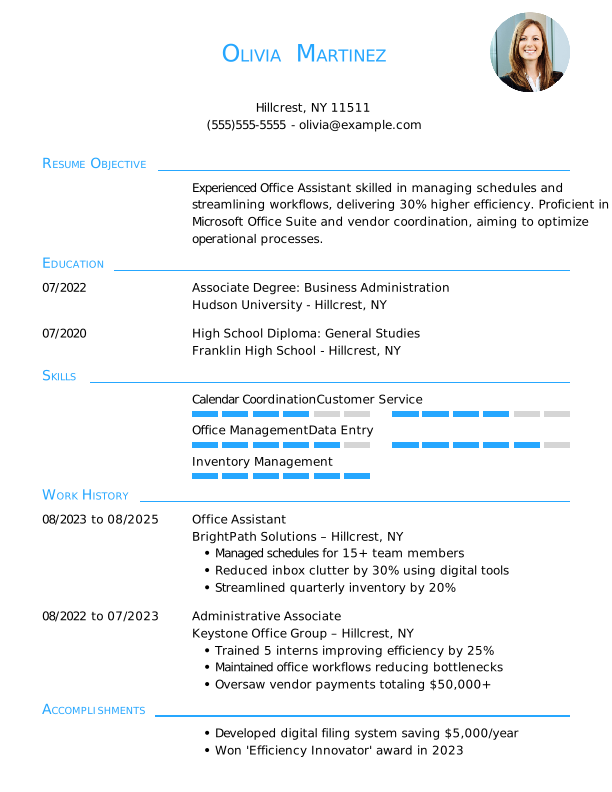
Office Assistant Entry Level Resume: Ice Blue Color
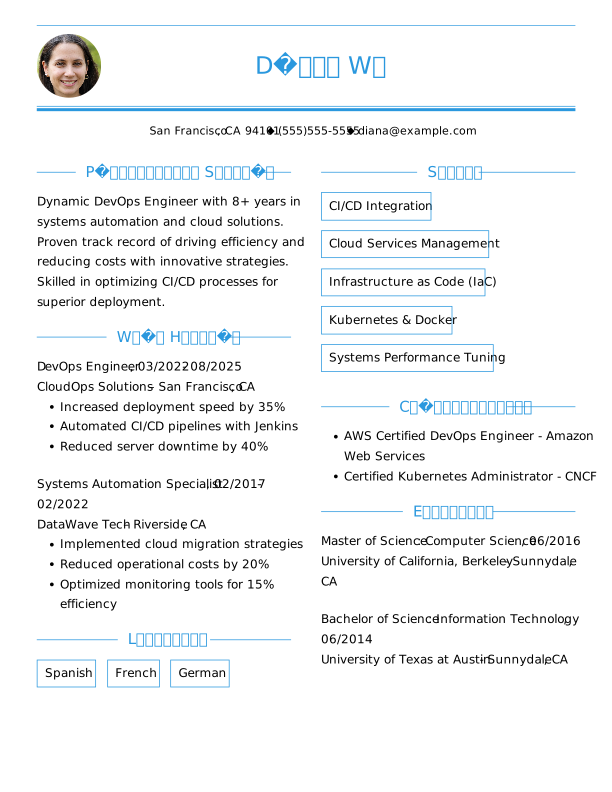
Devops Engineer Mid Level Resume: Olympic Blue Color
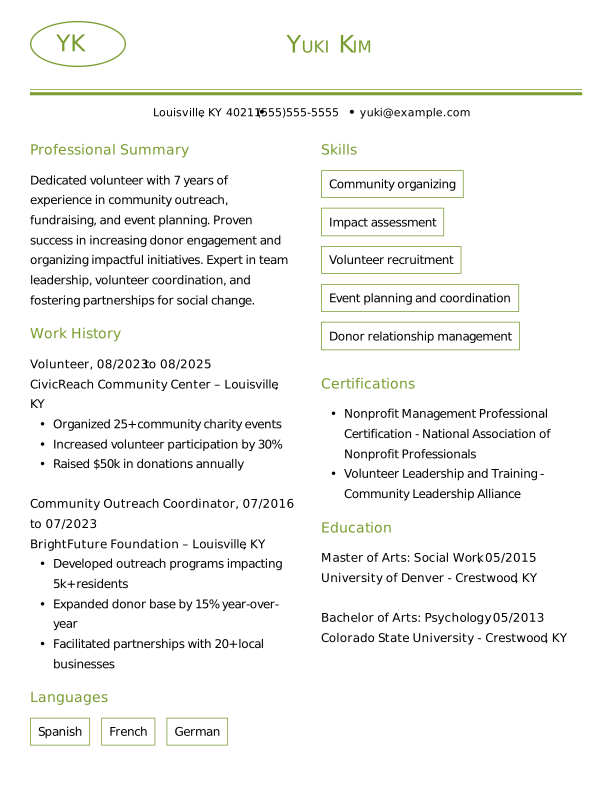
Volunteer Mid Level Resume: Moss Green Color
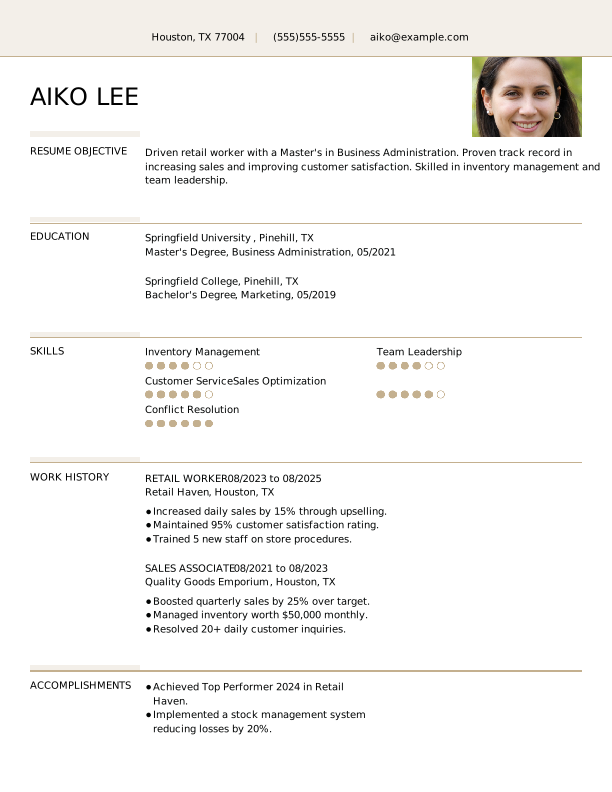
Retail Worker Entry Level Resume: Sand Dollar Color
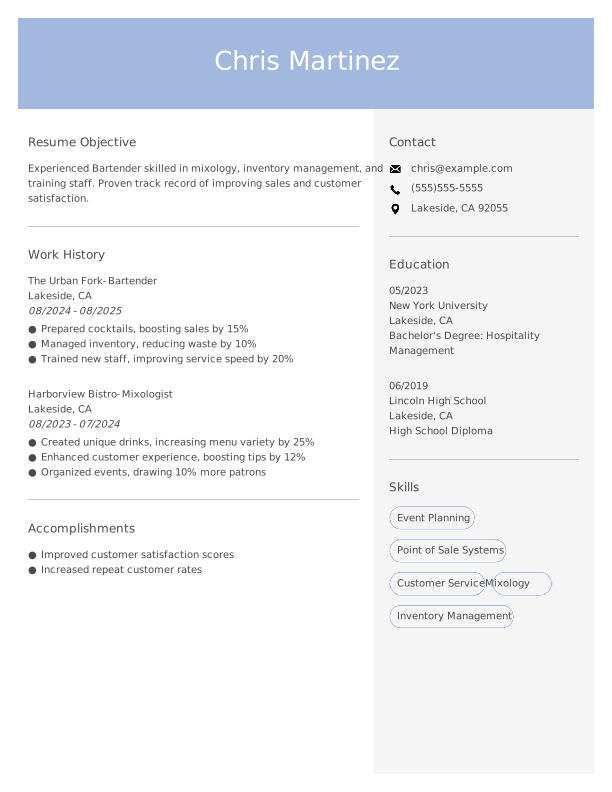
Bartender Entry Level Resume: Steel Blue Color
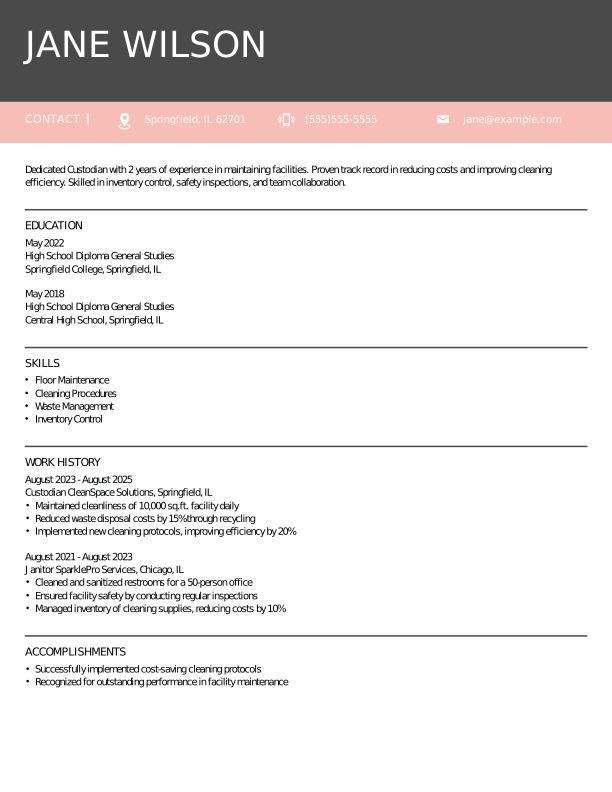
Custodian Entry Level Resume: Azalea Pink Color
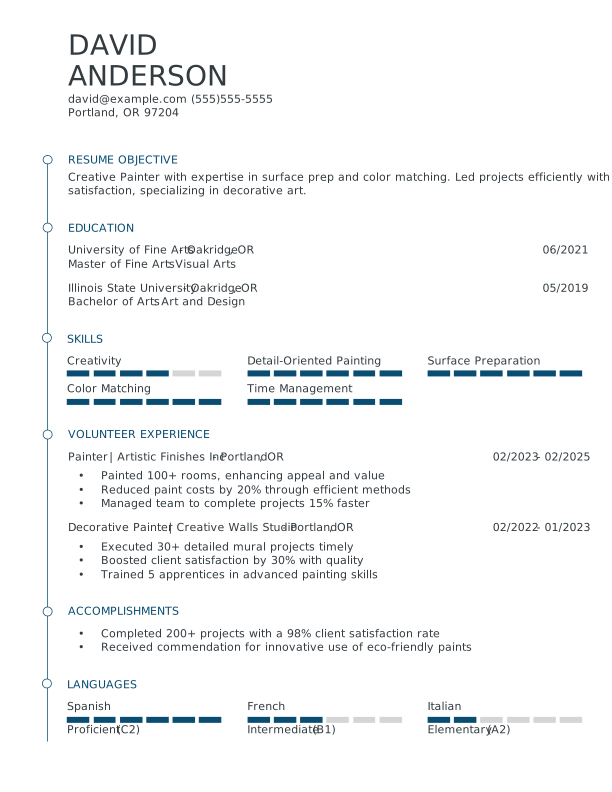
Painter Students Resume: Slate Blue Color

Administrative Assistant Entry Level Resume: Indian Red Color
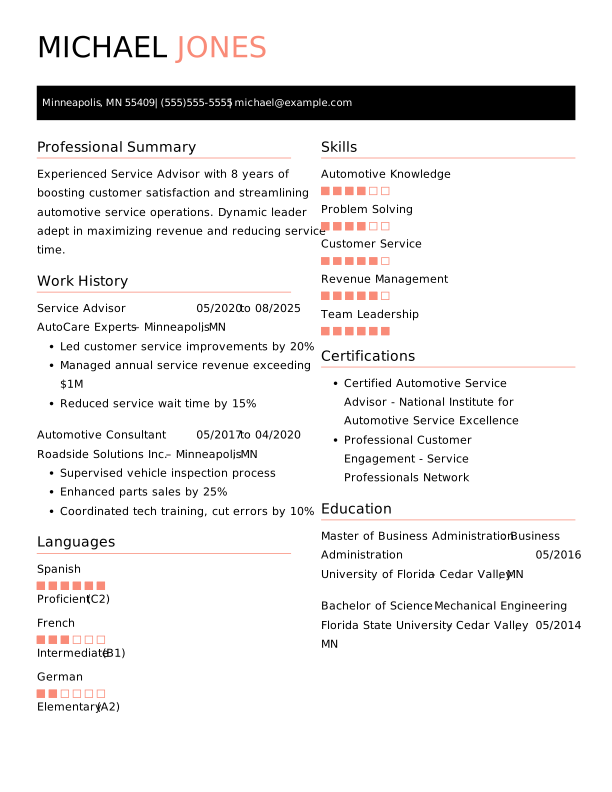
Service Advisor Mid Level Resume: Contessa Rose Color
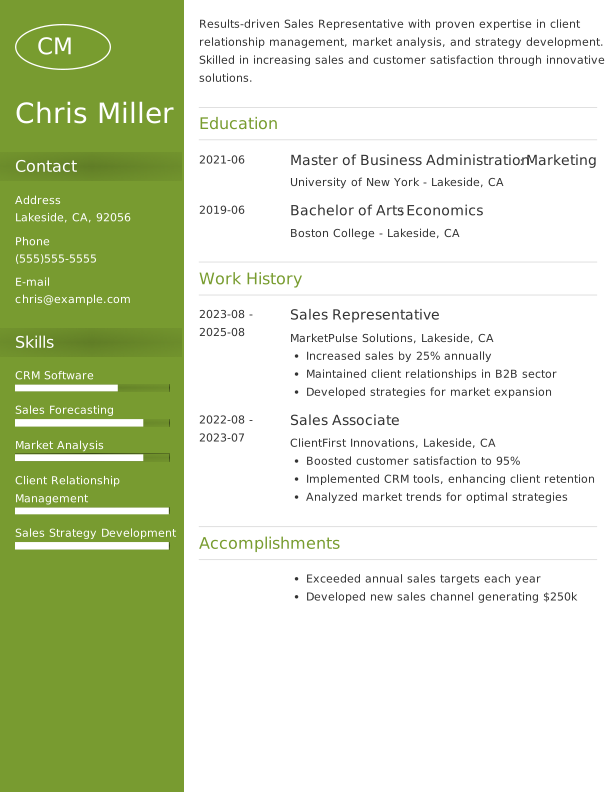
Sales Representative Entry Level Resume: Moss Green Color
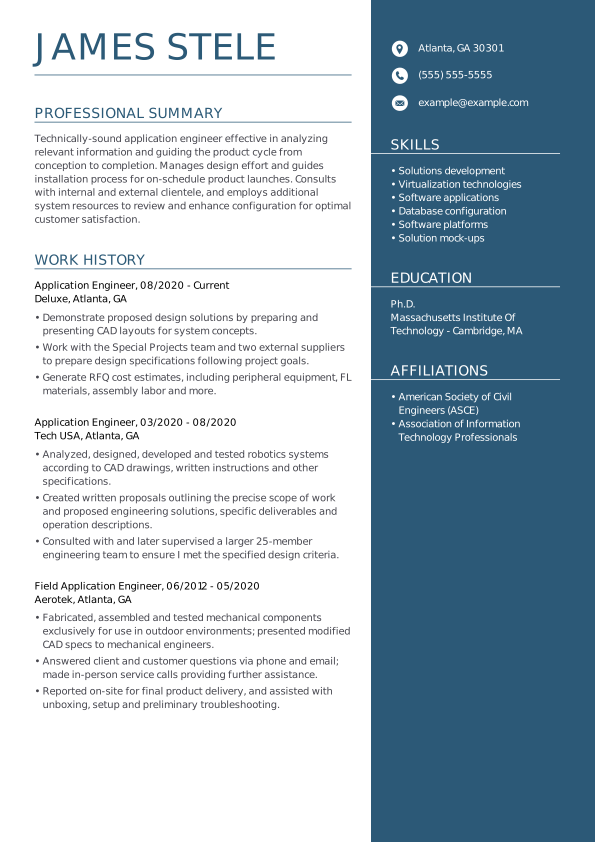
Application engineer resume template for technical roles
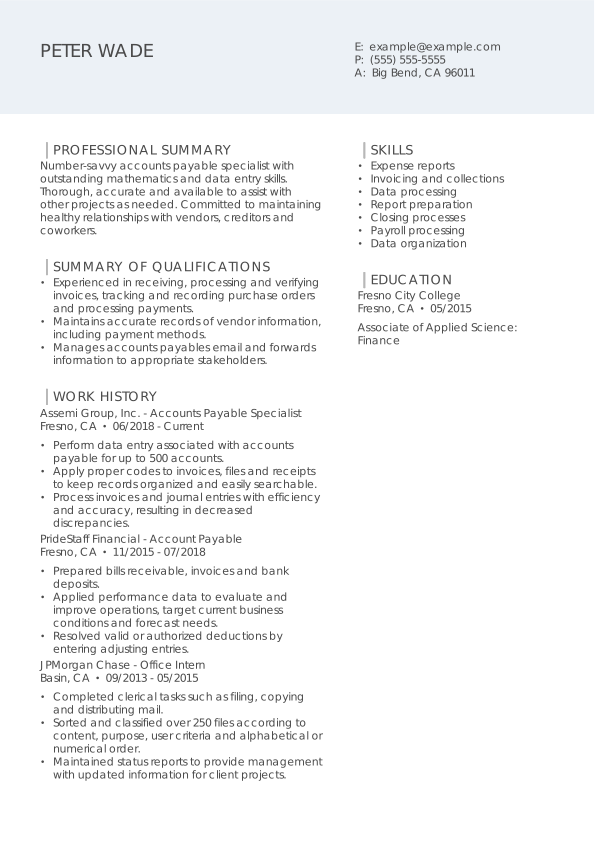
Account payable specialist resume template for finance professionals
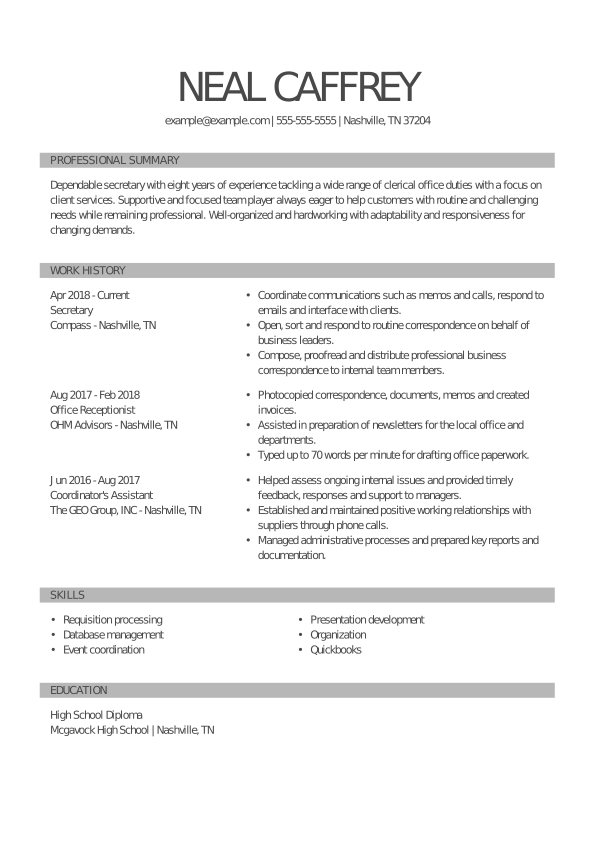
Secretary resume template for administrative support roles
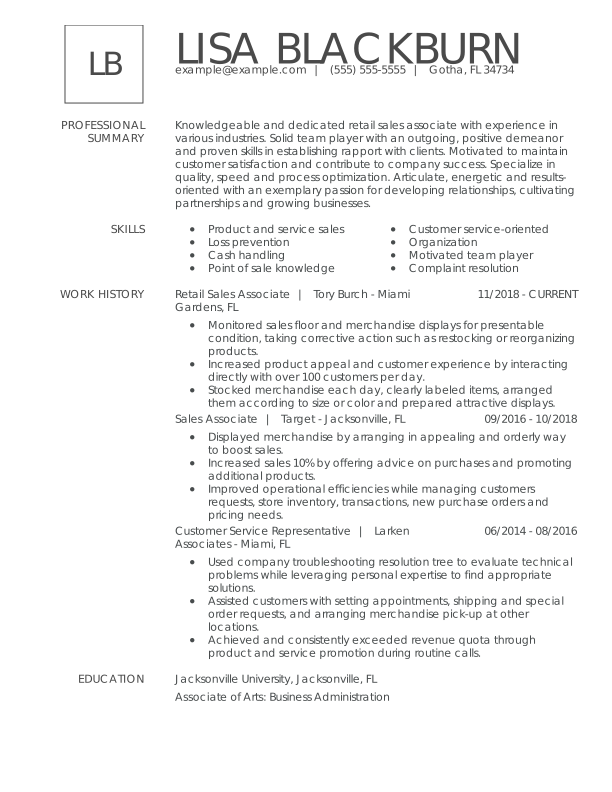
Retail sales associate resume template for customer service roles
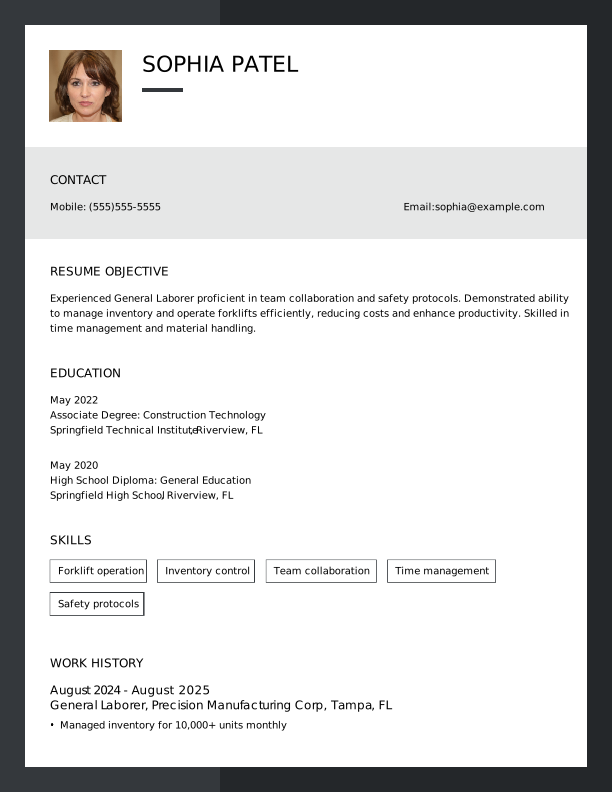
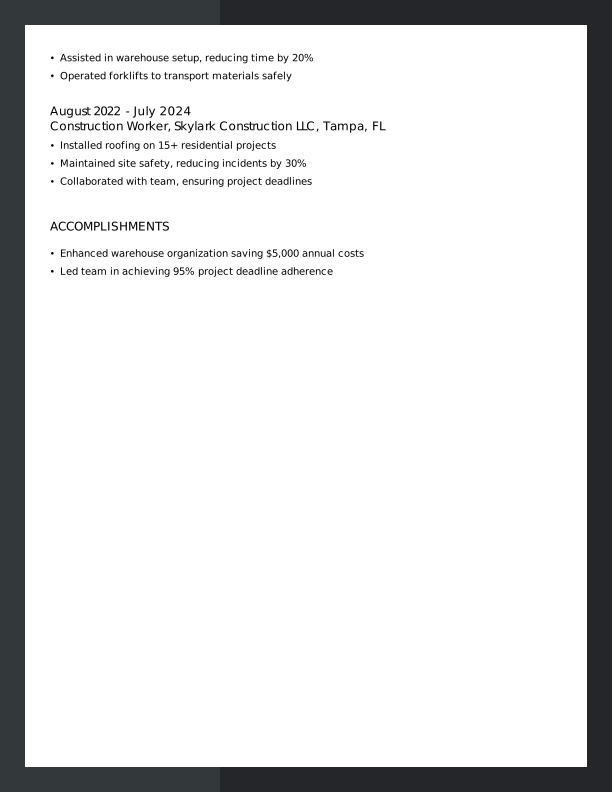
General Laborer Entry Level Resume: Outer Space Color
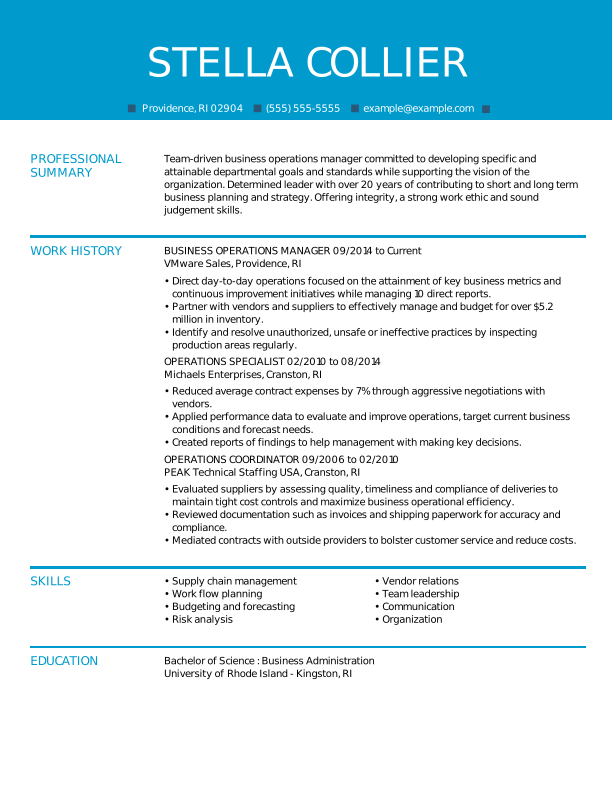
Business operations manager resume template for leadership roles
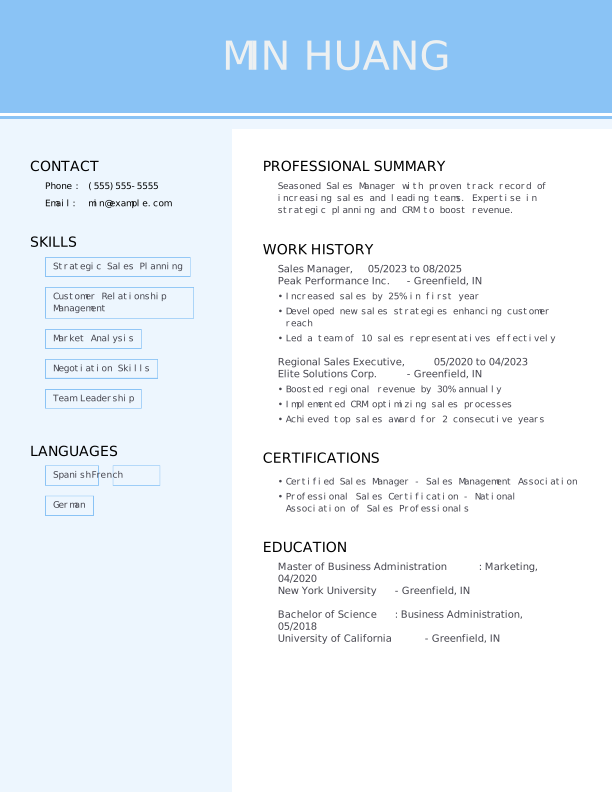
Sales Manager Mid Level Resume: Carolina Blue Color
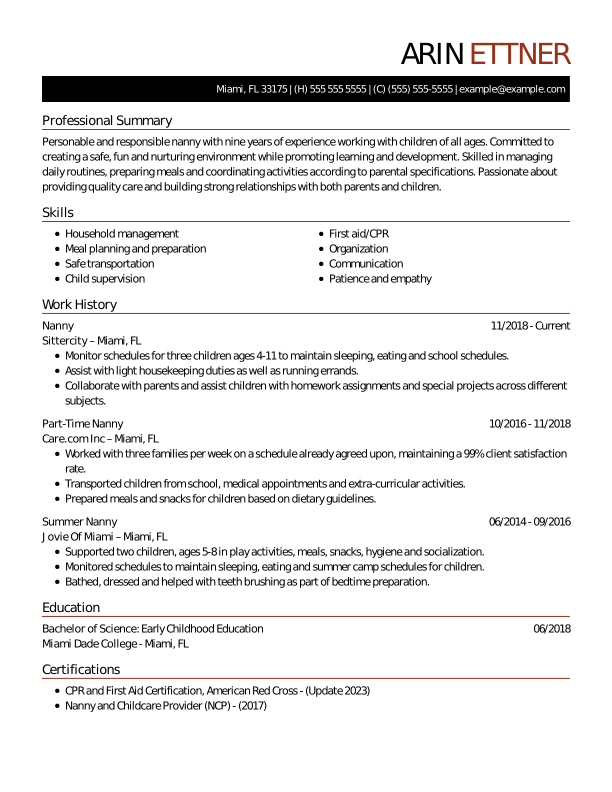
Nanny resume template for childcare professionals
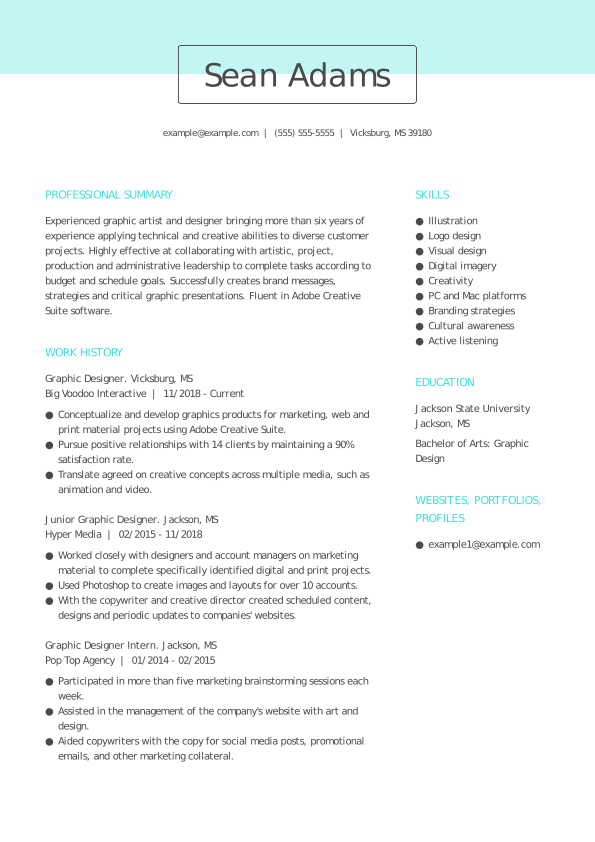
Graphic designer resume template for creative portfolios
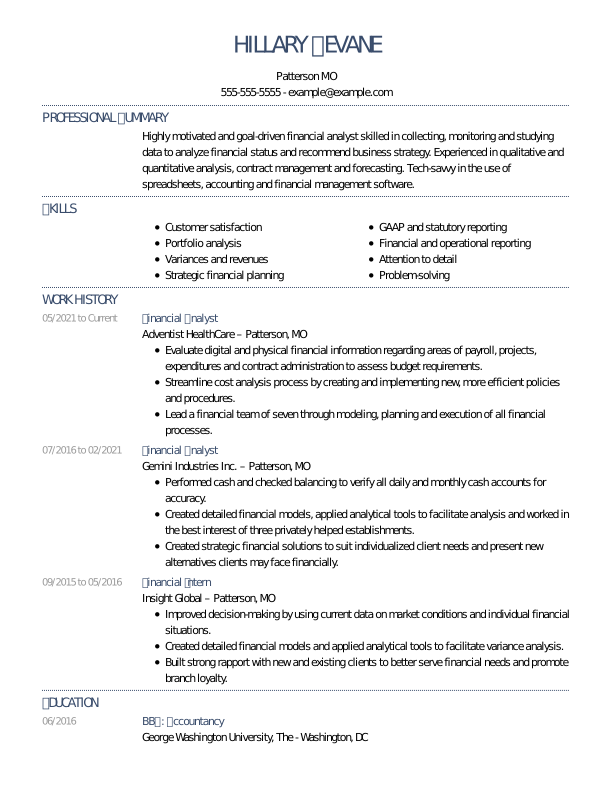
Deluxe resume template for financial analyst positions
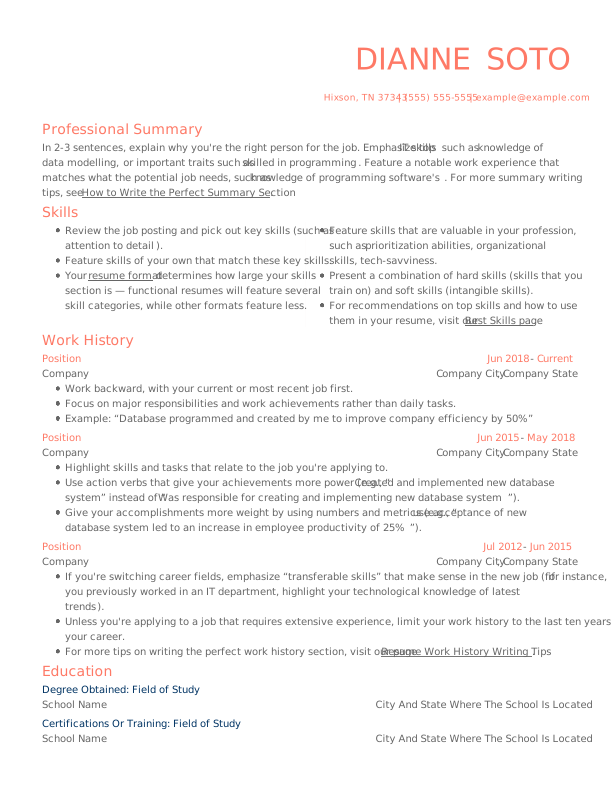
 Free
FreeModern free resume template with clean layout
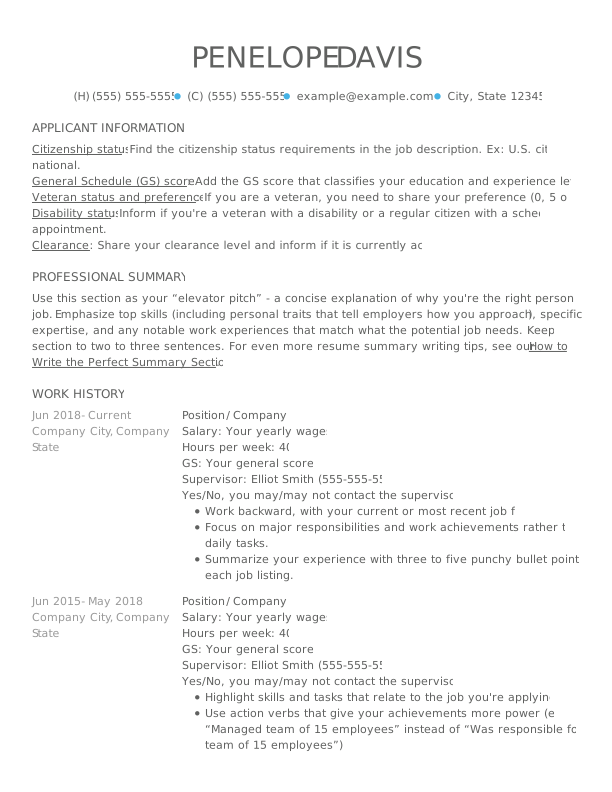
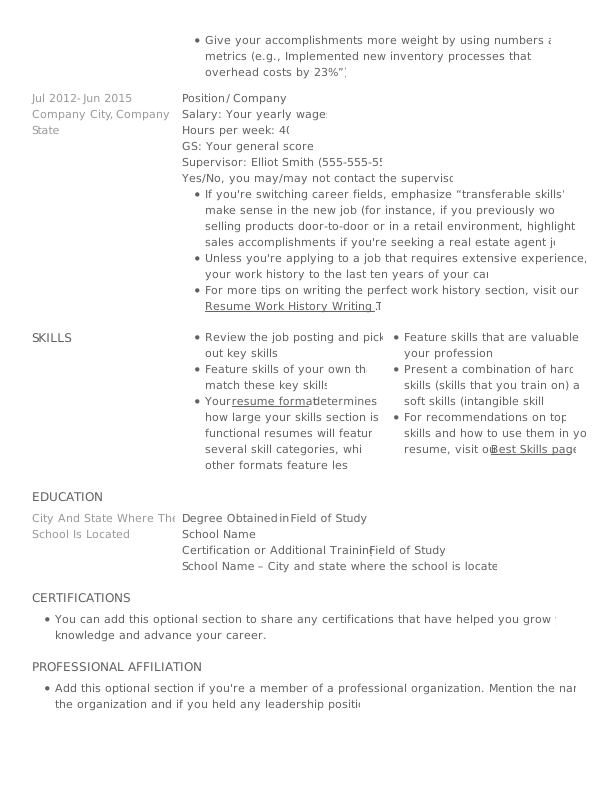
Qualified free resume template for professional use
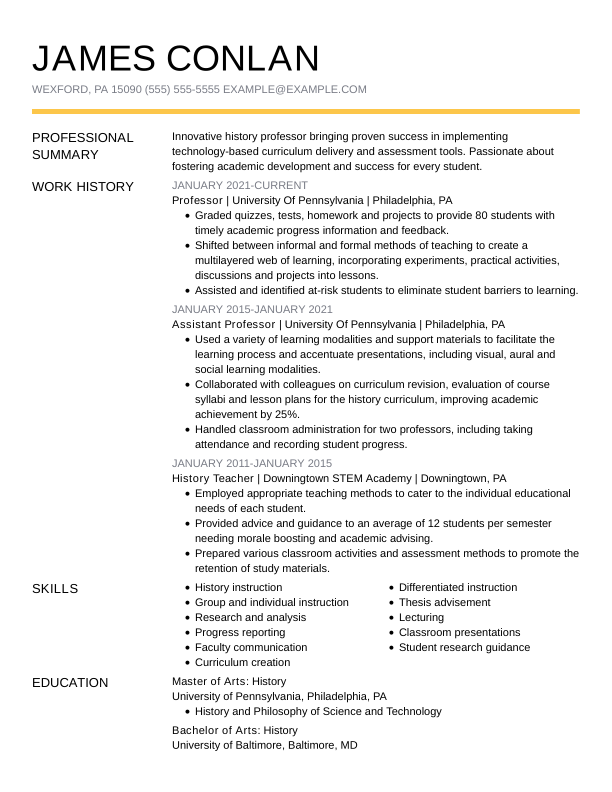
History professor resume template for academic professionals
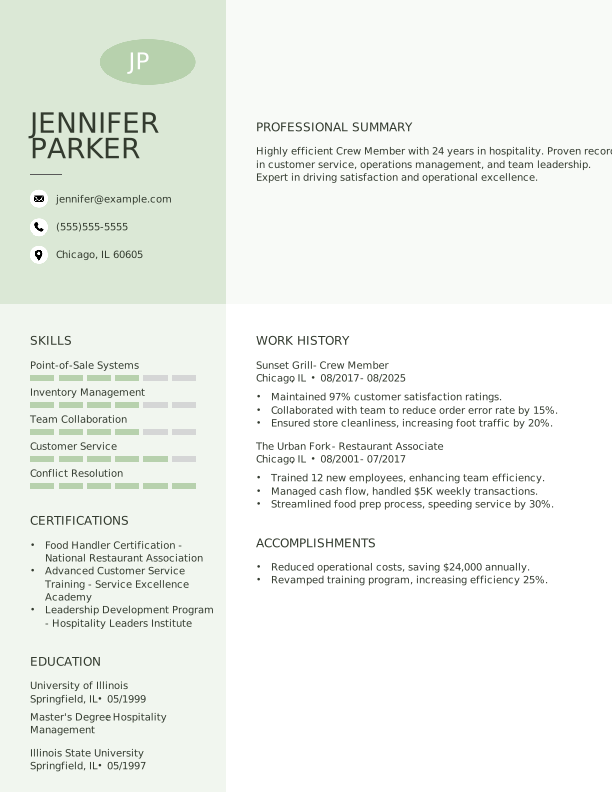
Crew Member Experienced Resume: Pixie Green Color
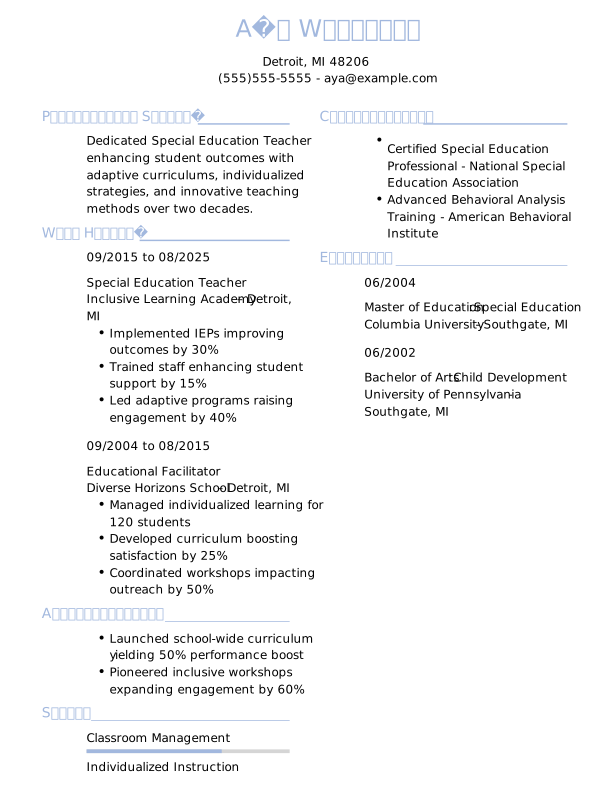

Special Education Teacher Experienced Resume: Steel Blue Color
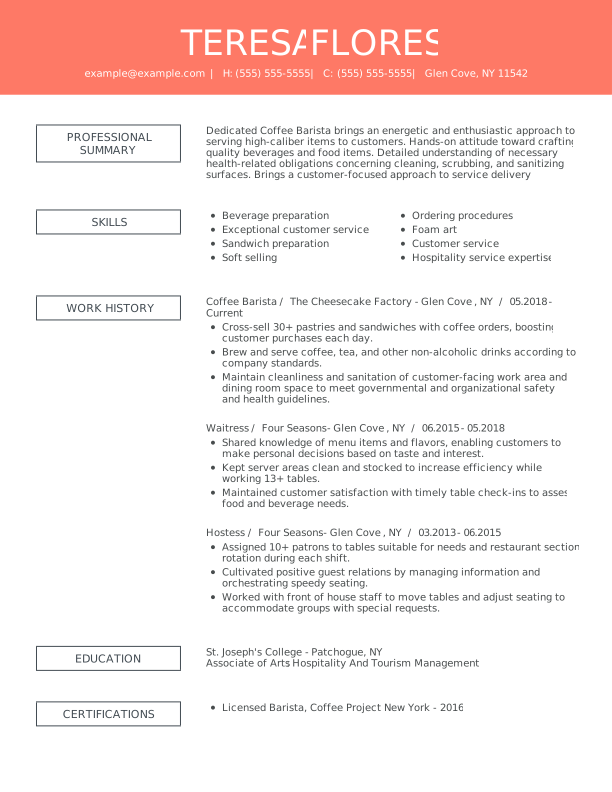
Remarkable resume template with innovative, eye-catching layout
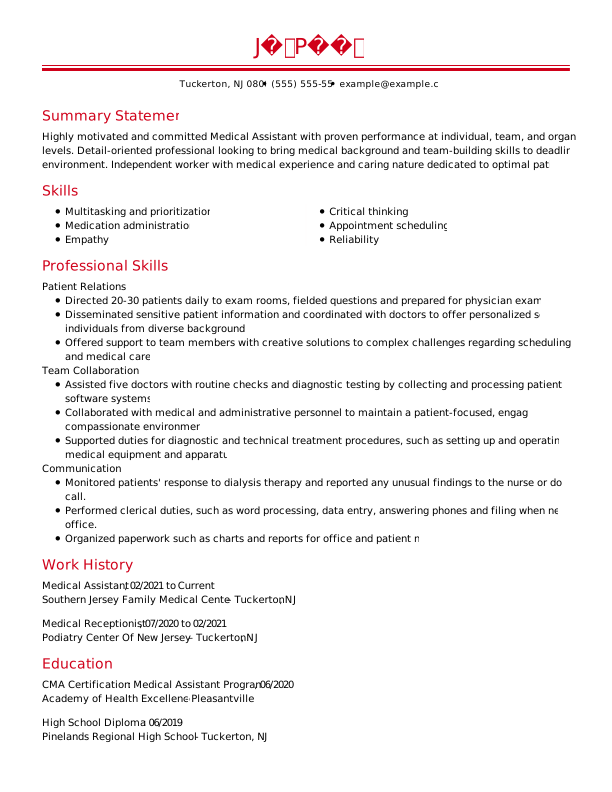
Medical assistant resume template using professional functional layout
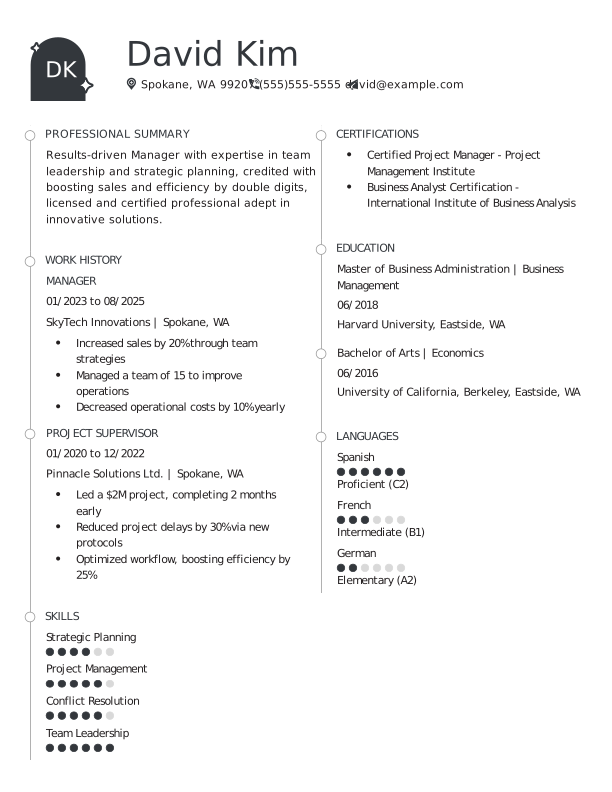
Manager Mid Level Resume: Outer Space Color
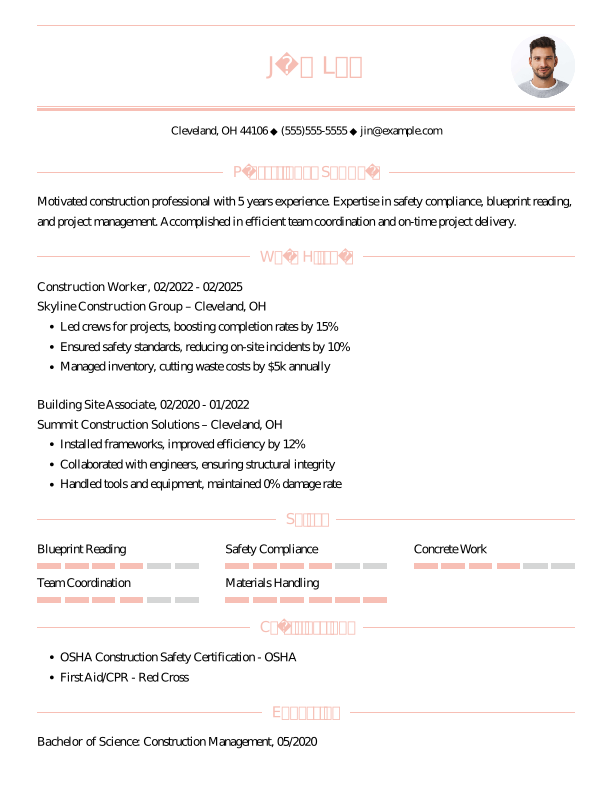

Construction Worker Mid Level Resume: Azalea Pink Color
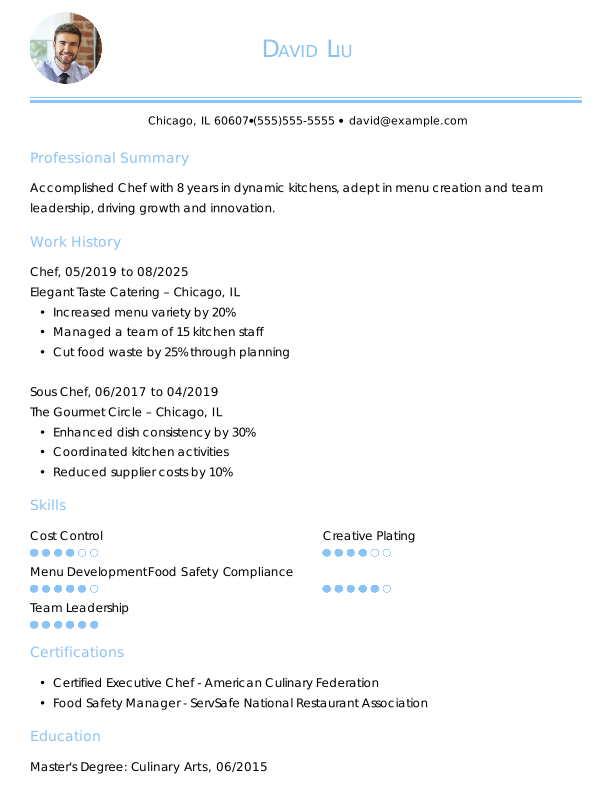

Chef Mid Level Resume: Carolina Blue Color
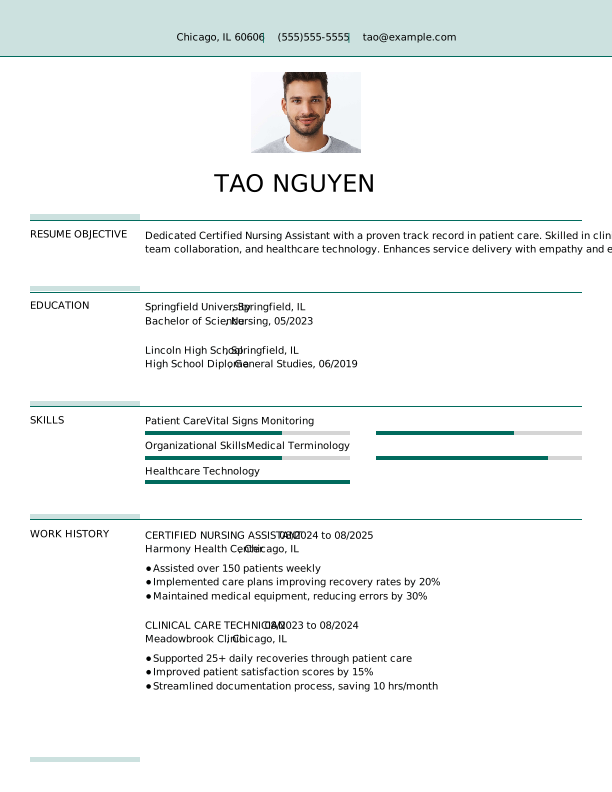

Certified Nursing Assistant Entry Level Resume: Empress Teal Color
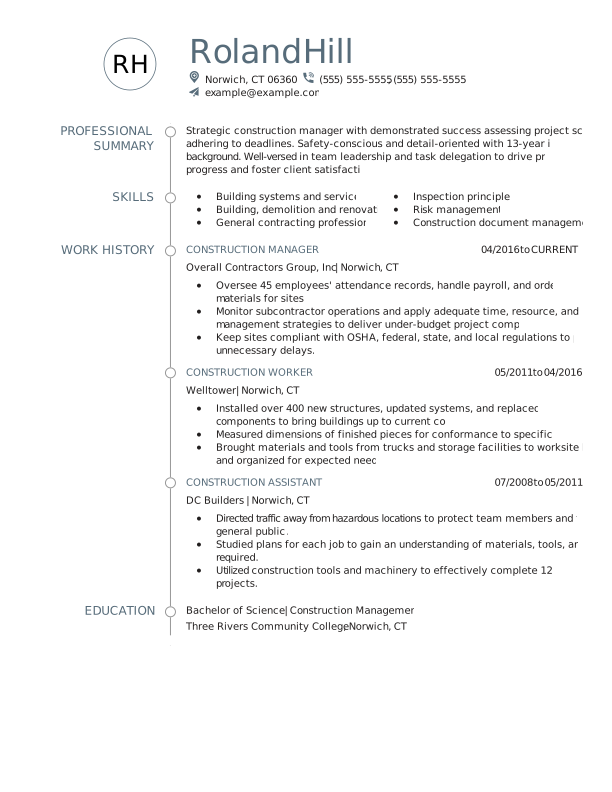
Construction manager resume template with strong formatting
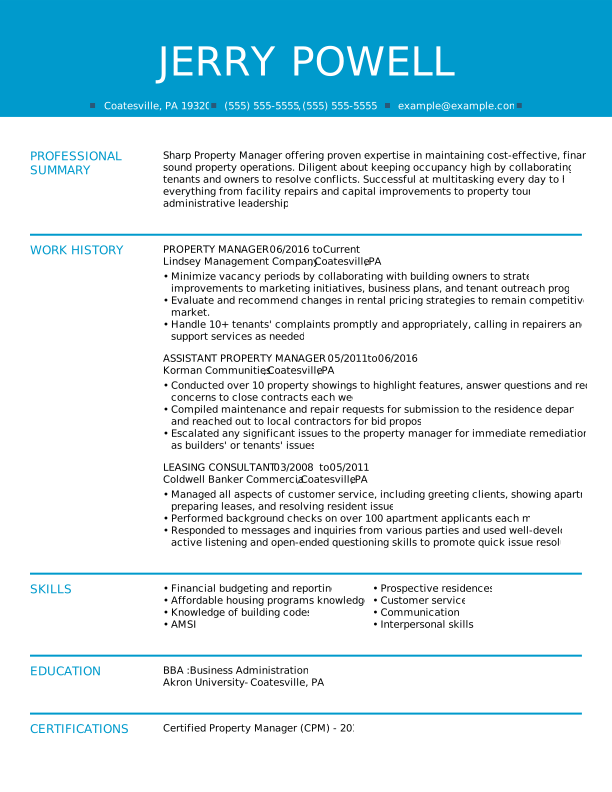
Modern and clean resume template named “Fresh”
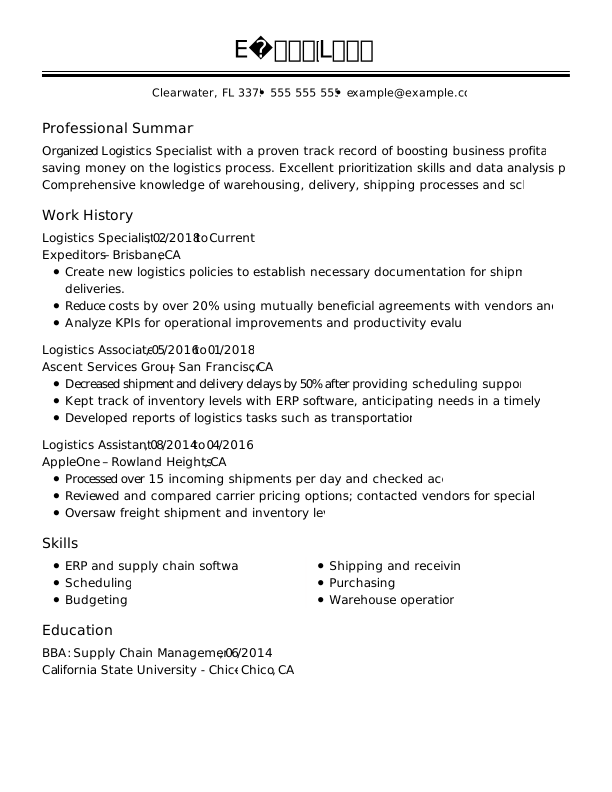
Logistics Specialist Experienced Resume: Full Black
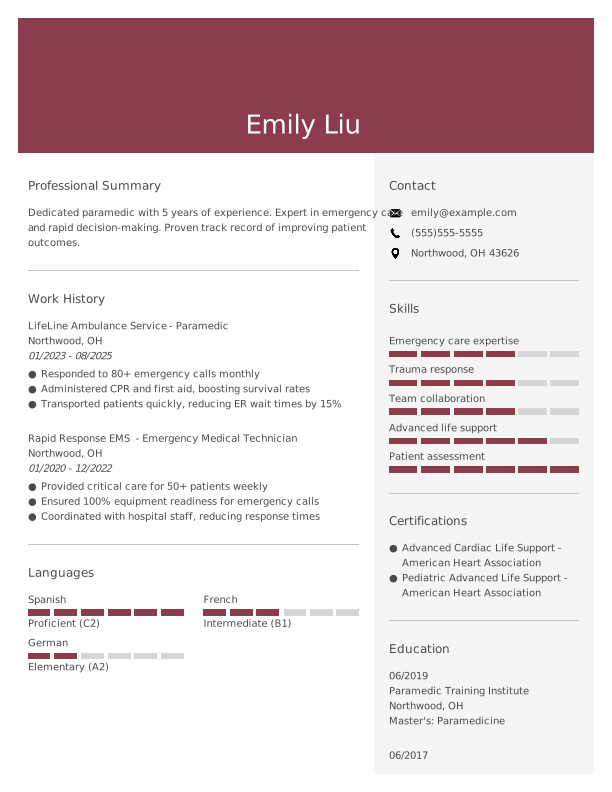

Paramedic Mid Level Resume: Camelot Color
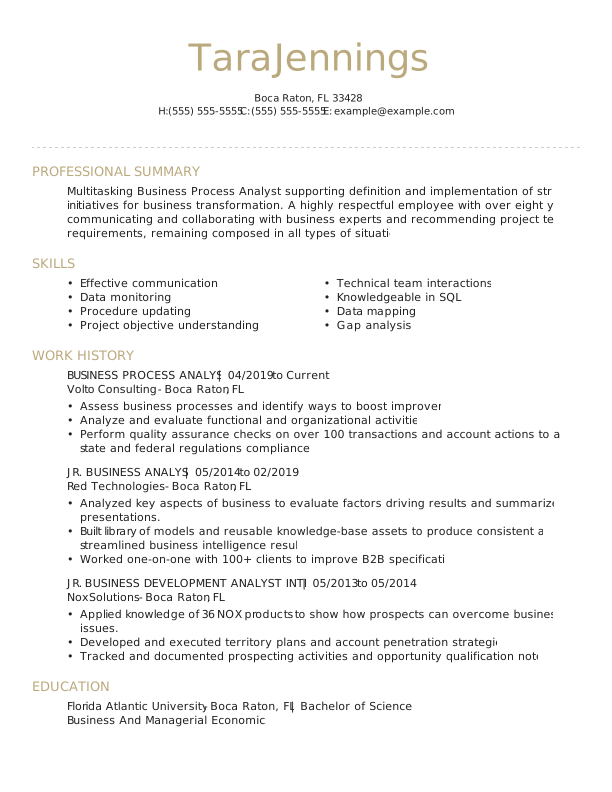
Distinguished resume template combining skills and experience
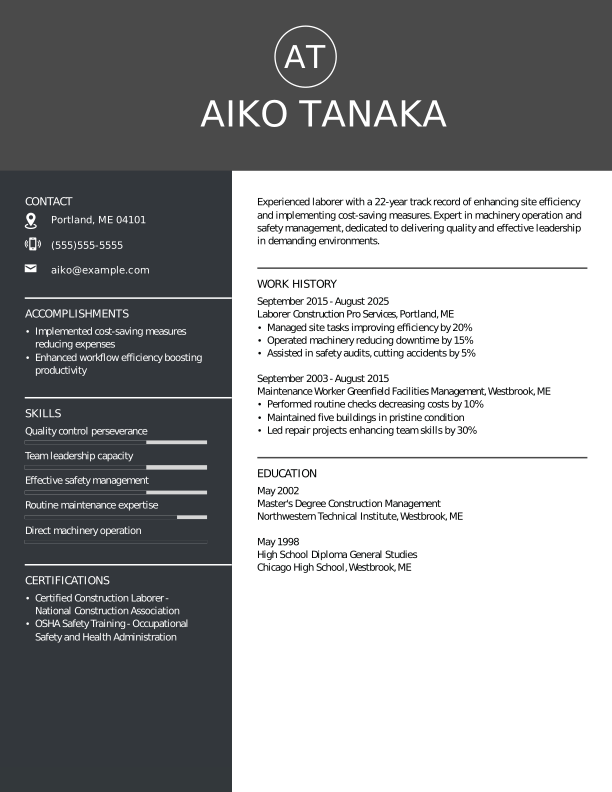
Laborer Experienced Resume: Outer Space Color
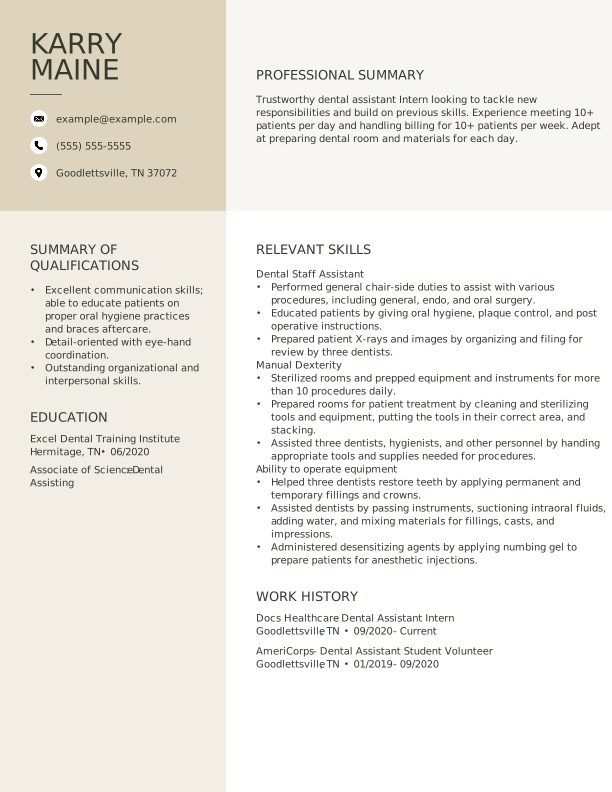
Dental assistant resume template named Original
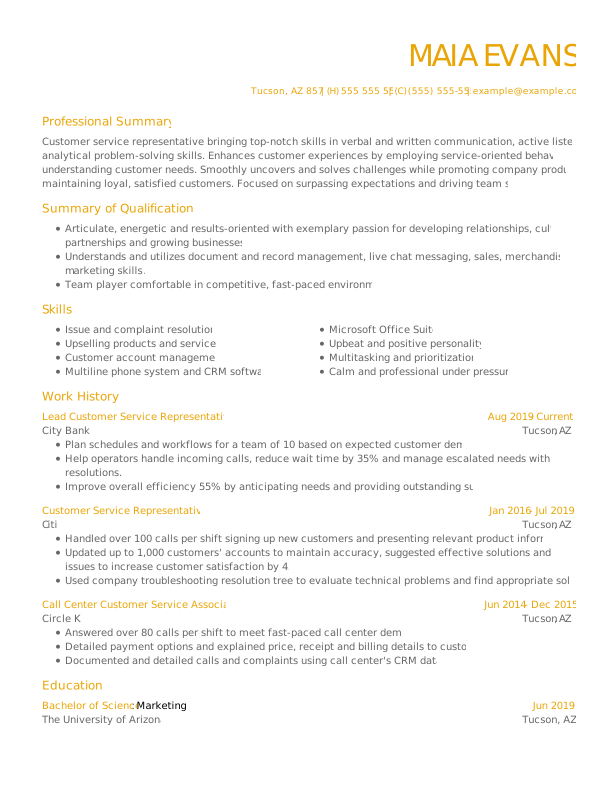
Customer Service Representative Resume Template
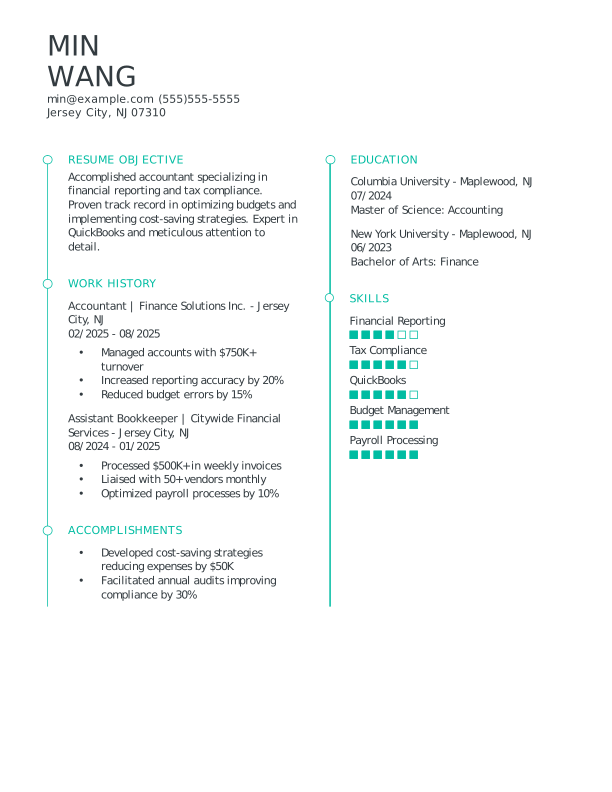
Accountant Entry Level Resume: Turquoise Color
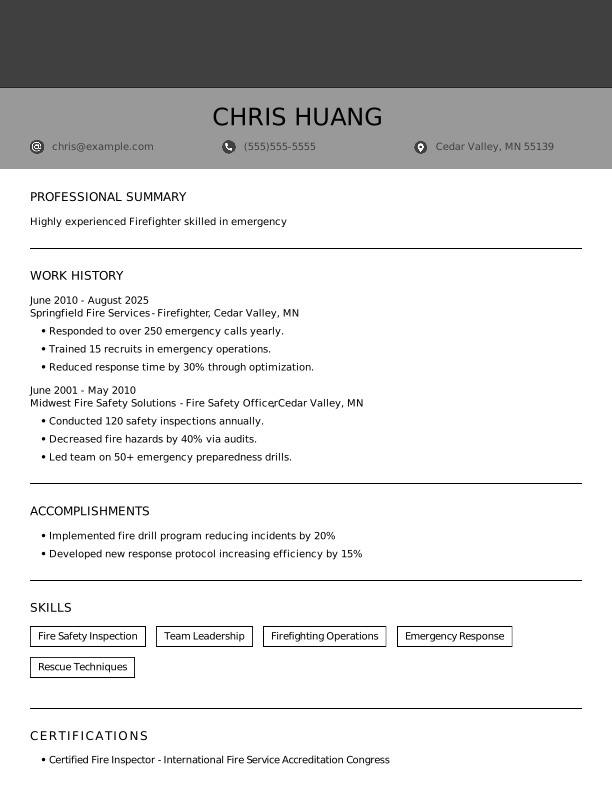

Firefighter Experienced Resume: Full Black Color
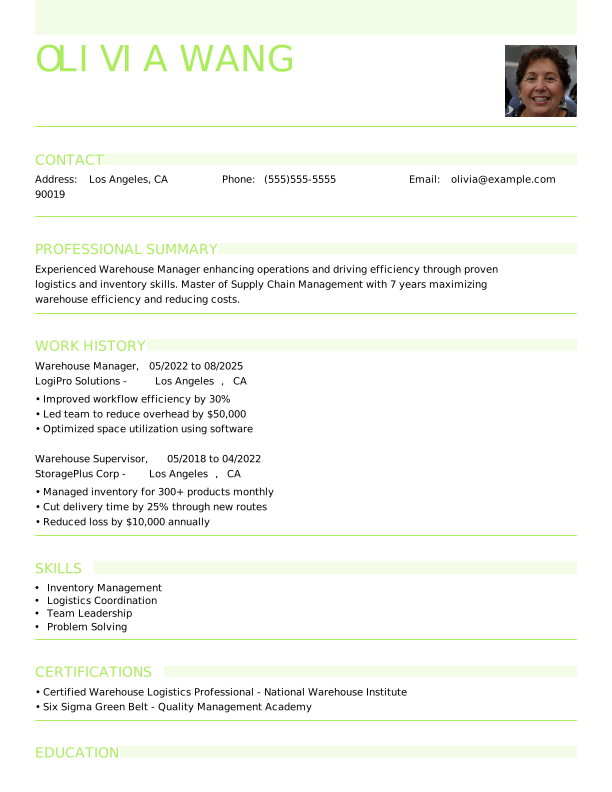

Warehouse Manager Mid Level Resume: Lime Green Color
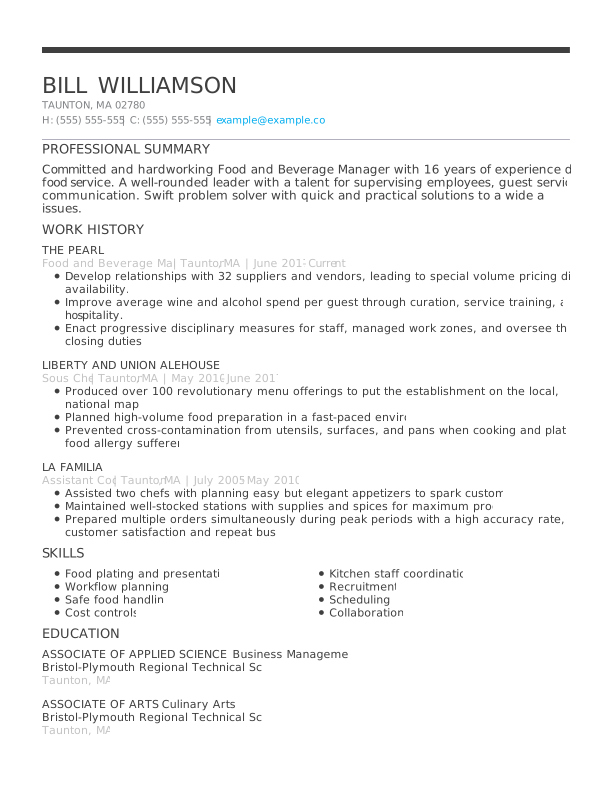
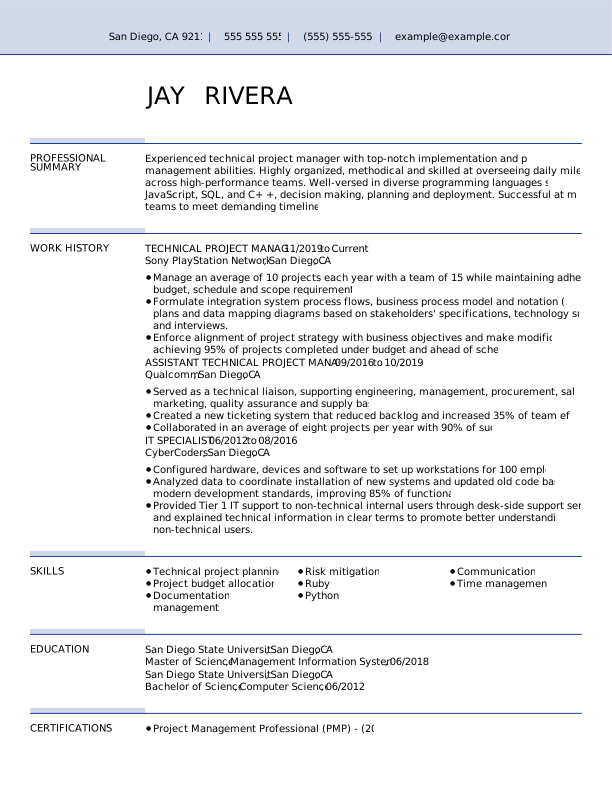
Whitespace resume template in chronological format for clarity
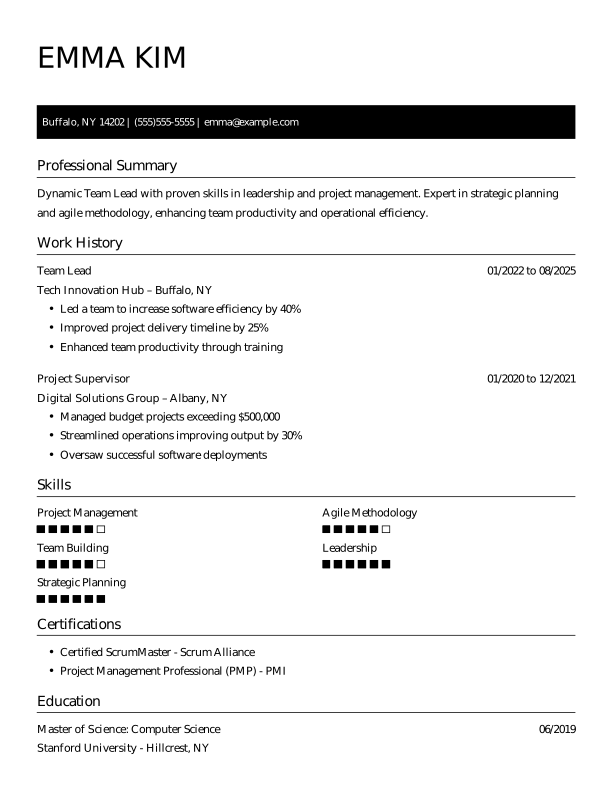

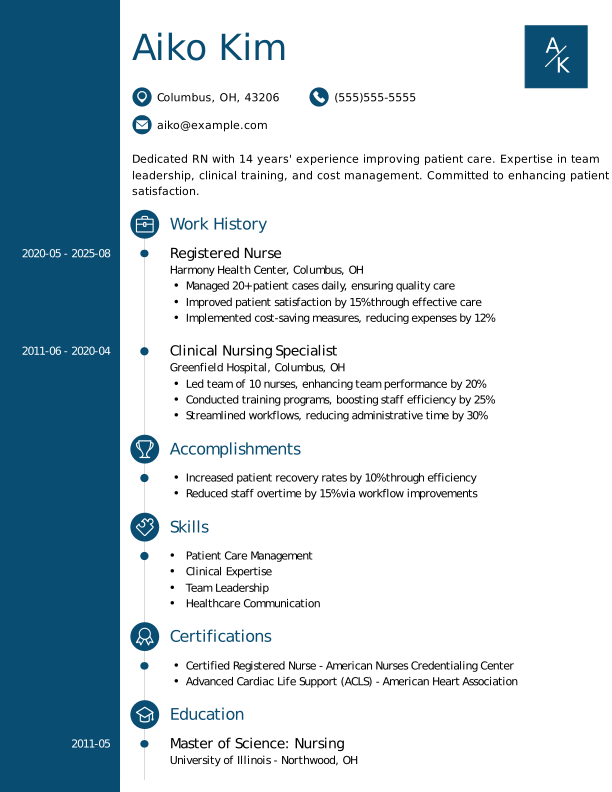

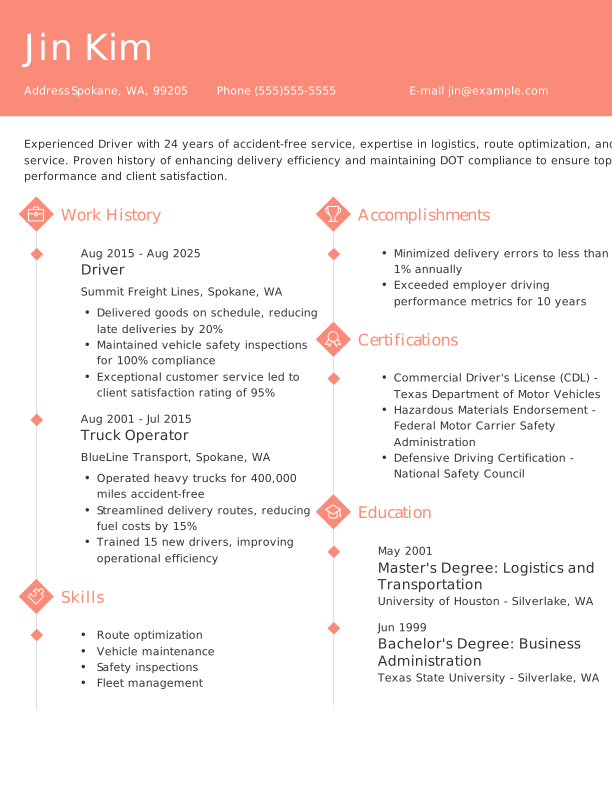
More ATS-Friendly Resume Templates
 Creative
 Modern
 Traditional
 Google Docs
 Chronological
 Combination
 Functional
How to Choose the Right Resume Format
Choosing the right resume format depends on your experience level, career goals, and work history. Our collection of resume templates includes chronological, functional, and combination formats, each designed to match different career stages and highlight your most relevant qualifications.
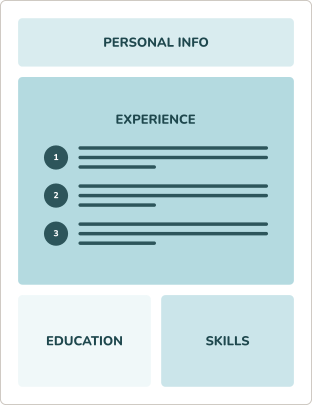
Chronological resume format
Highlights your work history by listing jobs in reverse-chronological order, which is ideal for showcasing steady career growth.
RECOMMENDED
- You have consistent career progression in your current industry.
- You’ve built a professional career within a single field of expertise.
- You’re applying for a role that’s similar to your current position.
Functional resume format
Balances your skills and work history to showcase diverse qualifications, making it an excellent format for career changers and freelancers.
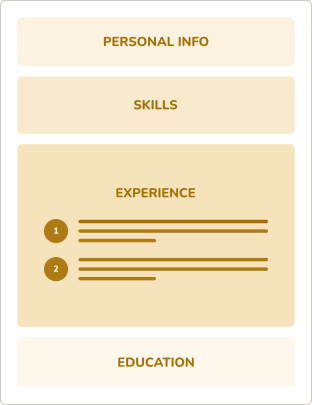
- You’re changing to a new career path and need to highlight key skills.
- You have freelance or varied work experience that you want to showcase.
- You’re applying for a mid-level role that values diverse qualifications.
Combination resume format
Emphasizes skills and abilities over work history, making it an ideal format for recent graduates or job seekers with limited experience.
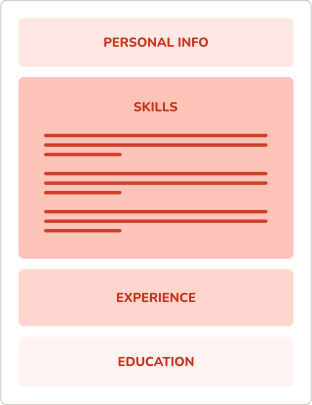
- You’re a recent graduate with limited professional experience to highlight.
- You have gaps in your work history and want to focus on other areas.
- You’re applying for an entry-level role that emphasizes skills over experience.
Resume Formatting Tips for Every Template
Clear structure and consistent styling help your most relevant experience stand out and improve your chances of moving forward in the hiring process.
Our resume templates are professionally formatted, but you can customize them to match your style. Use these tips to personalize your template while keeping it polished and recruiter-ready.


Margins
Keep margins between 0.5 and 1 inch on all sides to ensure your resume looks clean, fits on one page (or two for more experienced candidates), and is easy for ATS to parse.
Font Size
Use a professional, easy-to-read font like Arial, Calibri, or Times New Roman. Keep body text sized at 10–12 points, section headings at 14–16 points, and your name at 18–24 points.
Bullet Points
Use short, impactful bullet points to list achievements or responsibilities. Start each bullet with a strong action verb and maintain consistent formatting and punctuation.
Spacing
Include enough spacing between sections and bullets to make your resume easy to scan. Avoid crowding text; use single spacing within sections and one to two lines between sections.
Get Hired Fast With MyPerfectResume’s
Free Resume Templates

Professional Designs for Every Industry
From creative resume designs to minimalistic and basic resume templates, we’ve got an ATS-friendly template for any job, industry, or career level.

Easy to Customize for Any Experience Level
You can quickly and easily customize your resume template to highlight your skills, experience, and education right from your mobile device or desktop.

Instant Insights to Improve Your Resume
With our ATS Resume Checker, you’ll get personalized insights and actionable tips to strengthen your resume, increase your score, and stand out to hiring managers.

Expert Tools Do the Heavy Lifting for You
MyPerfectResume’s AI Resume Builder and templates help you create a standout resume with expert tools, AI-powered content, and easy customization on any device.
Search Professionally Written
Resume Examples
Easily tailor our resume examples using MyPerfectResume’s online Resume Builder.
Search Professionally Written
Cover Letter Examples
Our cover letter examples highlight the ideal tone and skills employers seek.
Search Professionally Written
CV Examples
Personalize our CV examples with MyPerfectResume’s free Resume Builder.
Get Started Creating a Job-Winning Resume
Upload Your Current Resume
Import your details into one of our polished resume templates.
Create a New Resume
Choose one of our resume templates, and we’ll guide you through the rest.
Frequently Asked Questions
Last Updated:
How do I download a free resume template?
To download a free resume template, click the “Free” filter at the top of this page, check the “Free” box, and choose a template that aligns with your career stage and goals.
Each resume template free download is available as a PDF, Google Doc, and Word Doc. Select your preferred format, then click “Download my template” to access it.
What’s the best template for a resume?
The best resume template is clean, professional, and tailored to the job you’re applying for so recruiters can quickly understand your value.
A simple design with clear headings, consistent spacing, and minimal distractions helps create an ATS-friendly resume that’s easy for both software and recruiters to scan.
Can I edit your resume templates on my phone?
Yes, our resume templates and builder are optimized for any device, so you can easily create or update your resume on your phone.
You can tap to add ready-made content suggestions for your target role, reducing time spent writing and describing your experience. To personalize your design, adjust colors, fonts, and spacing with mobile-friendly tools. When ready, download a consistent preview on any device.
Which template do most employers prefer for resumes?
Most employers prefer a clean, professional resume template that uses a reverse-chronological structure because it clearly highlights recent experience and career progression.
The best template ultimately depends on your background, as situations like career gaps or transitions may benefit from other formats. Regardless of format, resumes should be polished, easy to read, and consistently formatted.
Can ChatGPT write my resume?
ChatGPT can help write and refine your resume content, but it shouldn’t be relied on to fully create or format your final resume because it lacks personal context and precise design control. You can use ChatGPT resume prompts to draft bullet points, tailor wording, and improve clarity, then edit carefully and apply a professional template yourself.
What are the three C’s of a resume?
The three C’s of a resume are clarity, consistency, and conciseness because they help make your qualifications easy to read and understand quickly.
Recruiters scan resumes in seconds, so clear wording, consistent formatting, and concise content ensure your most important skills and achievements stand out without clutter.
What should I not put on my resume?
You should not include irrelevant personal details, outdated experience, or misleading information when you write your resume because they can distract from your qualifications or hurt your credibility.
Employers prioritize clear, job-related information and may reject resumes that include unnecessary or unprofessional content, such as photos, salary history, excessive jargon, or unrelated job descriptions.

